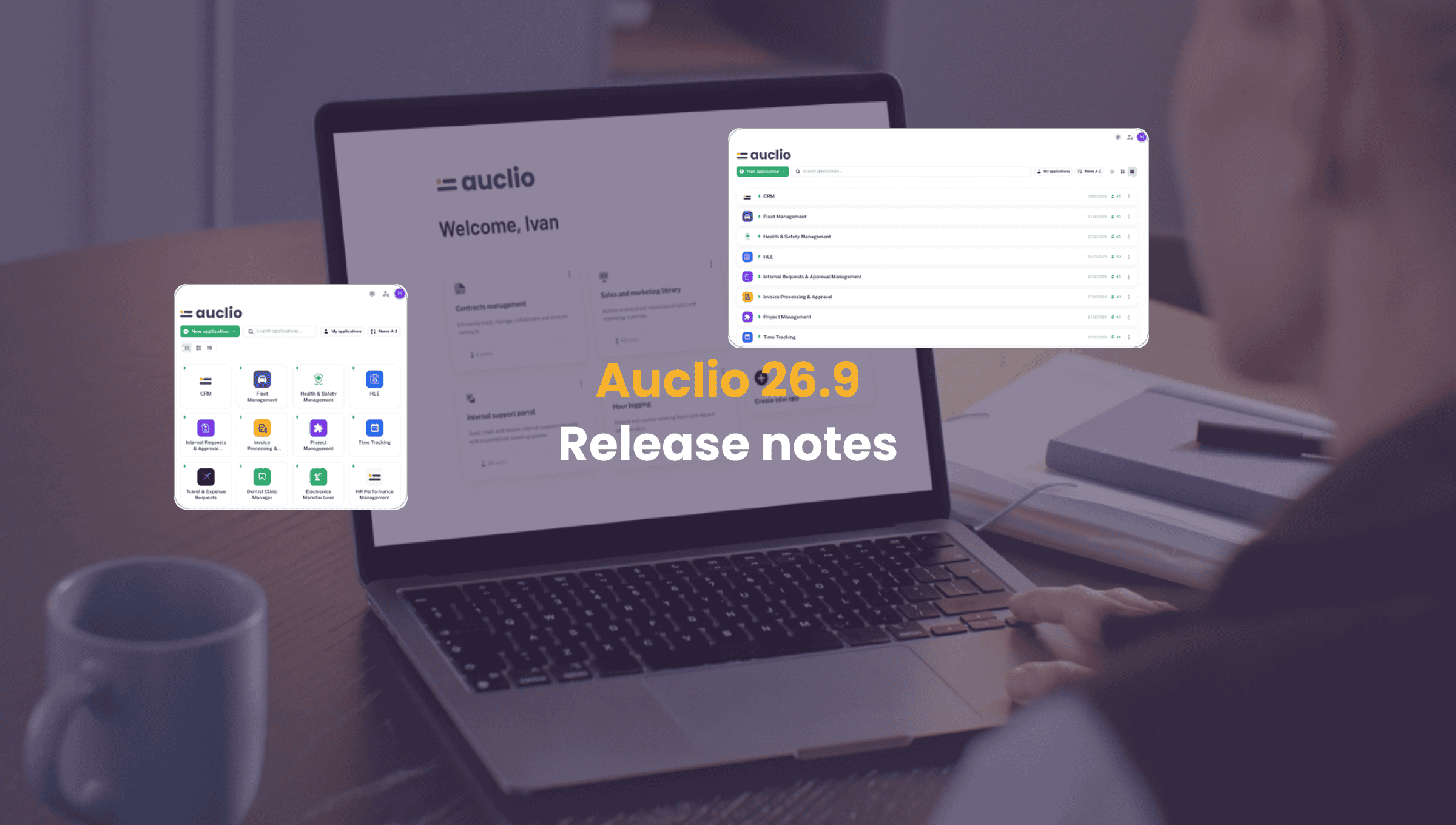
Auclio 26.9 Release Notes: Homepage Redesign, Create Permissions
Homepage Redesign
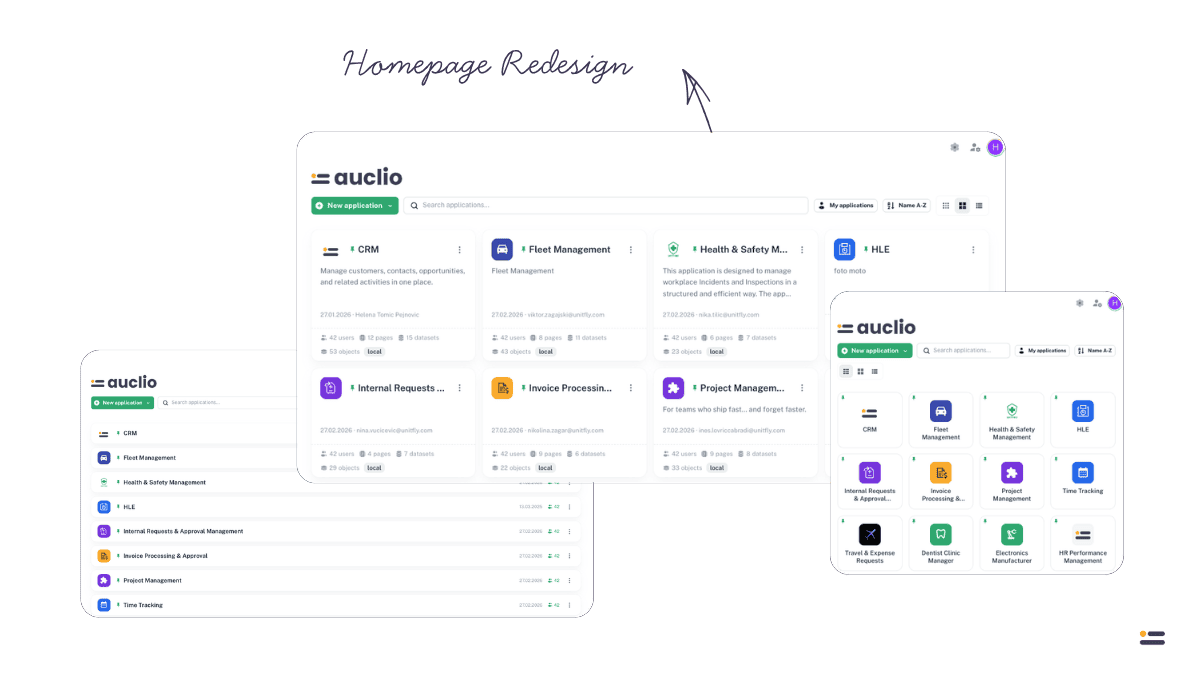
The application homepage has a refreshed look for finding and launching applications.
- Redesigned application cards, with a grid layout that adapts more gracefully across screen sizes
- Application statistics on the homepage now load faster, from a cached, admin-computed source
- Page navigation stays put in the top navigation bar instead of moving with the page
Permissions
Finer-grained control over who can do what.
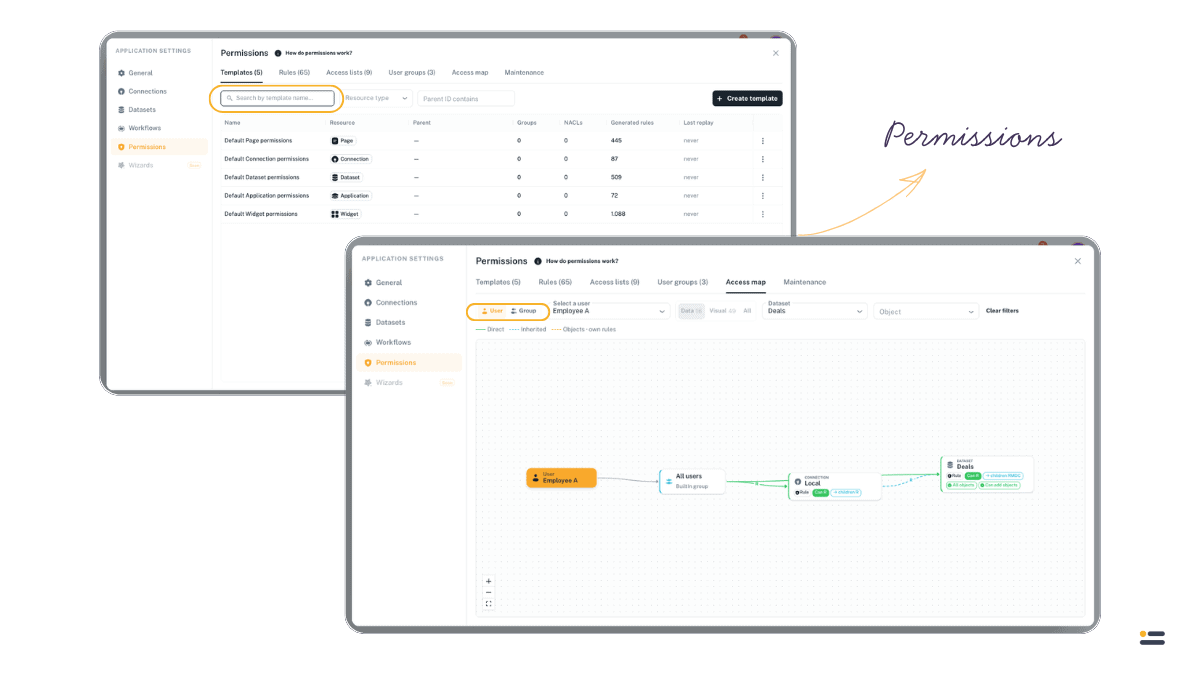
- New independent “Create” permission for child entities, separate from edit/view permissions on the parent
- Search and filter permissions and templates by name
- Switch between views in the access map, with new filters and an improved user/group management modal
AI Assistant
Building on last release’s debut.
- Failed generation steps can now be retried individually, instead of restarting the whole request
- New in-app help dialogs explain how AI credit usage works
Dataset Import & Export
Getting data in and out of Auclio is more flexible.
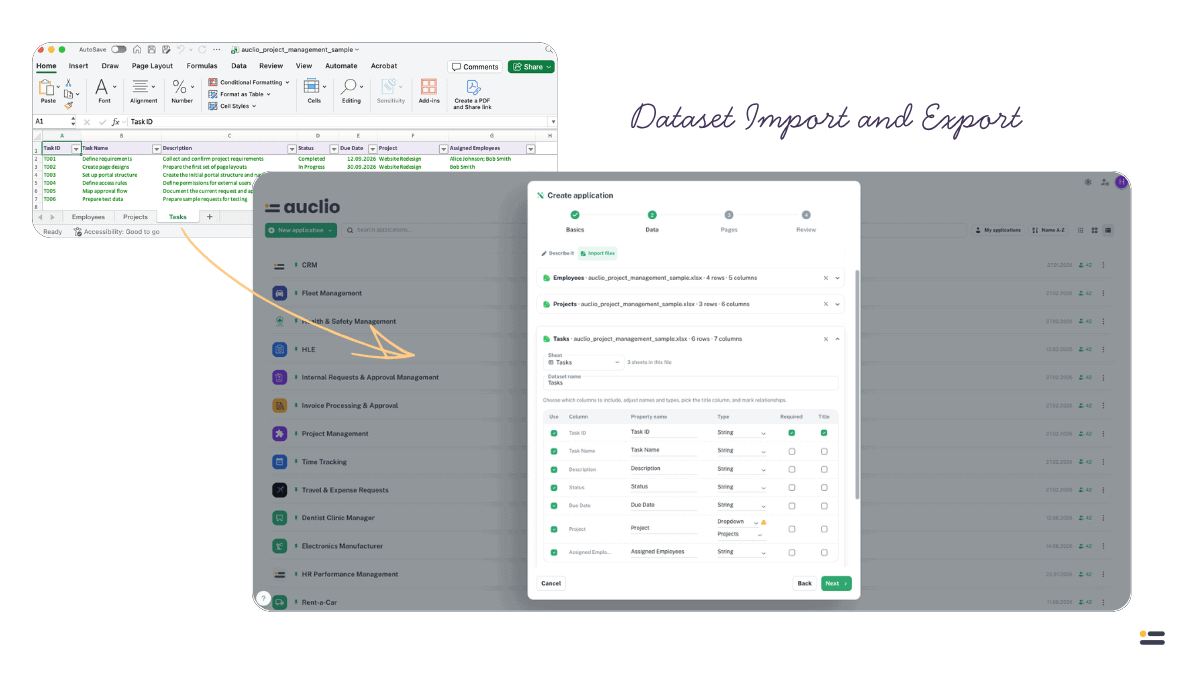
- Import a multi-sheet spreadsheet as several linked datasets — one per worksheet
- Adjusting import settings no longer requires re-uploading the file
- Export a dataset’s data to CSV or XLSX
- CSV imports now auto-detect the column separator
Missing Reference Management
New tooling for finding and fixing data that no longer links up correctly.
- See a live count and list of objects with unresolved references — dropdown values or linked objects that no longer resolve
- Resolve unresolved references individually, or in bulk with a preview of the change before it’s applied
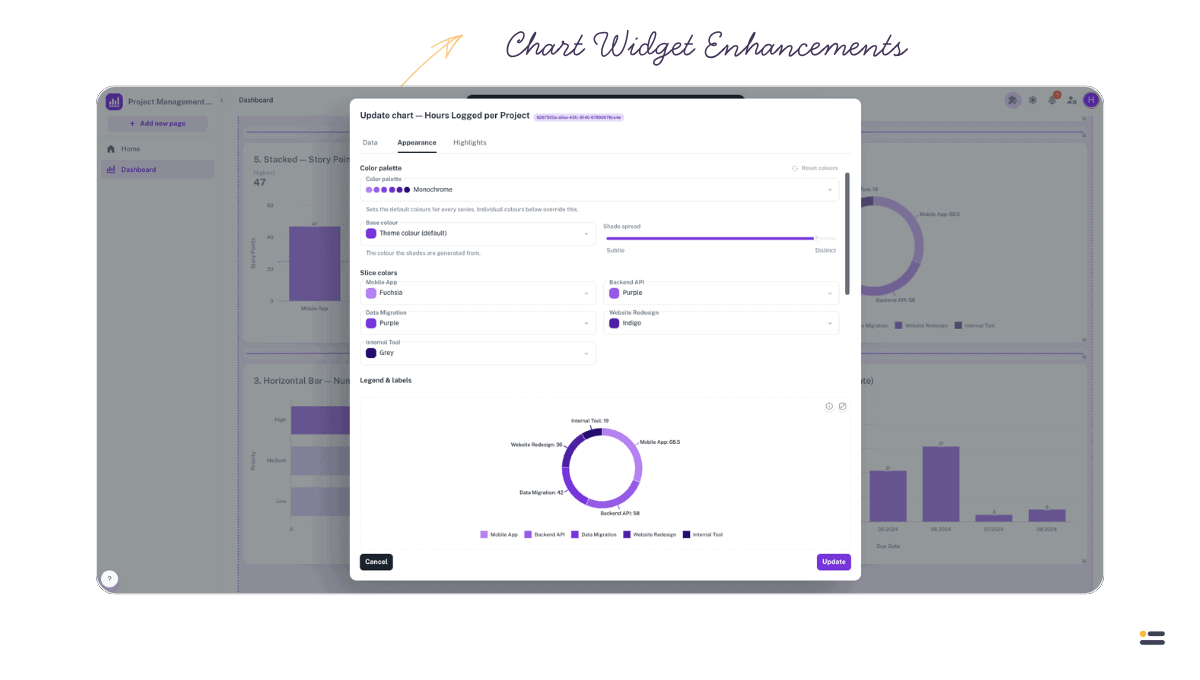
Chart Widget Enhancements
The Chart widget, introduced last release, gains several capabilities.
- Highlight specific values or ranges directly on a chart
- Choose from multiple predefined color palettes, or define your own custom palette
- Visualize Workflow states directly in a chart
- Refreshed chart preview, value labels, and color handling
New Table Widget Capabilities
Continued refinement of the Table widget.
- Select every row in a grouped view directly from the group header
- Lock specific group columns, set default grid filters, and control sorting per column
- Group date columns by day, month, quarter, or year
- Date and time filters support “on or after” / “on or before” comparisons
- Sorting now correctly accounts for hidden columns
Auto-Calculated Properties
- Auto-calculated property expressions can now reference date and user values, not just numeric ones
- Fixed a sync issue where auto-calculated Dropdown properties didn’t persist correctly on create or on external updates
Text & Text Grid Widgets
- Text widget: configurable resize behavior and font size
- Text grid: better height matching to content, and a fixed font-size issue on mobile
M-Files Connections
- The Connections tab shows the release notes for the latest M-Files adapter, so you can see what an
update brings before installing it
Also Improved
- Property usages: see where a property is used across pages and widgets before changing or
deleting it - Property-based links are now limited to string properties, preventing invalid link
configurations - Widget configuration: inactive sections now collapse automatically in admin mode
- The Refresh widget shows live status while a dataset refresh is running, and table data updates
automatically once it completes - Dataset refresh history now keeps the 30 most recent runs of each dataset
- Manage Objects modal now shows a Files column
- Dropdown properties: alphabetical sorting, a name fallback to avoid empty chips, and auto-selecting
a dataset’s label property - An object’s name now always comes from its dataset’s name property; an object can no longer be
saved with an empty name - Guided product tour fixes
Bug Fixes
- Fixed a dropdown fetch issue when joining on dataset state
- Fixed a race condition that could leave a user’s permissions out of date after a change
- File upload widget: fixed dropdown and default values not being applied to uploaded objects
- Fixed several layout issues: the select-all checkbox, copied widget sizes, and layout section
dimensions - Internal service accounts no longer appear in the user list