INSIDE THE AUCLIO PLATFORM

How to create with Auclio

You can connect systems, gather information and design business applications
- all without writing a single line of code.

PLATFORM OVERVIEW

No-code flexibility for building business applications

Instead of coding, consultants and business users can visually create applications, connect data, and configure user experiences through a simple interface. The result: faster delivery, easier maintenance and solutions that adapt as your business evolves.

Tailor solutions to your needs without complex coding, and deliver faster, simpler and more impactful results.

GETTING STARTED

Your application can now start with a prompt or a spreadsheet

Getting a new business application started often means one of two things:

  • the idea exists, but the application still needs to be designed and configured;
  • the process already exists in Excel, but the data and structure need to be rebuilt elsewhere.

Auclio reduces that initial setup effort.


Start with an idea, an Excel file, or build from scratch. Auclio gives you flexible ways to get from a business need to a working application, without coding.

Start your way

From idea or Excel to your application, faster

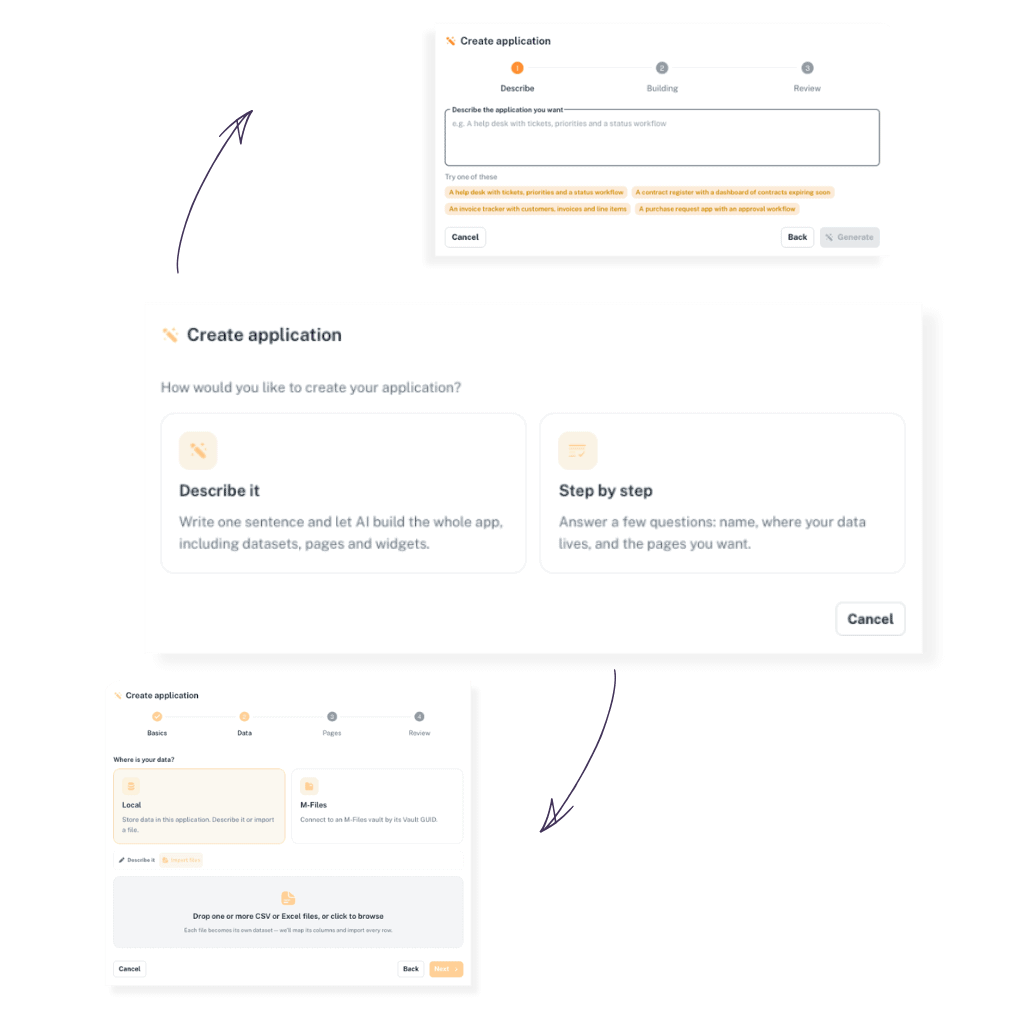
Auclio gives users multiple simple ways to start creating. Create with AI, import from Excel, or build it yourself. All three lead into the same no-code environment where applications can be adjusted and expanded over time.

Create with AI

Tell Auclio what you need and get a starting application automatically.

Import from Excel

Turn an existing spreadsheet into the starting point for your application.

Configure manually

Configure your application yourself with Auclio's no-code tools.

Create with AI

Describe what you need. Let Auclio create the starting point.

Users can either describe the application they want or follow a guided flow to define their requirements.

Excel Import

Already have it in Excel? Start from there.

Import existing spreadsheet data into Auclio and use it as the foundation for your application.

Begin with an idea, existing data, or a blank application.

Move into Auclio without rebuilding everything from the beginning.

Turn existing data or a business need into a working application more quickly.

Continue changing and extending the application without coding.

HOW YOU BUILD THE UI

The building blocks of Auclio

At the heart of Auclio are the components that shape how users interact with your solutions.

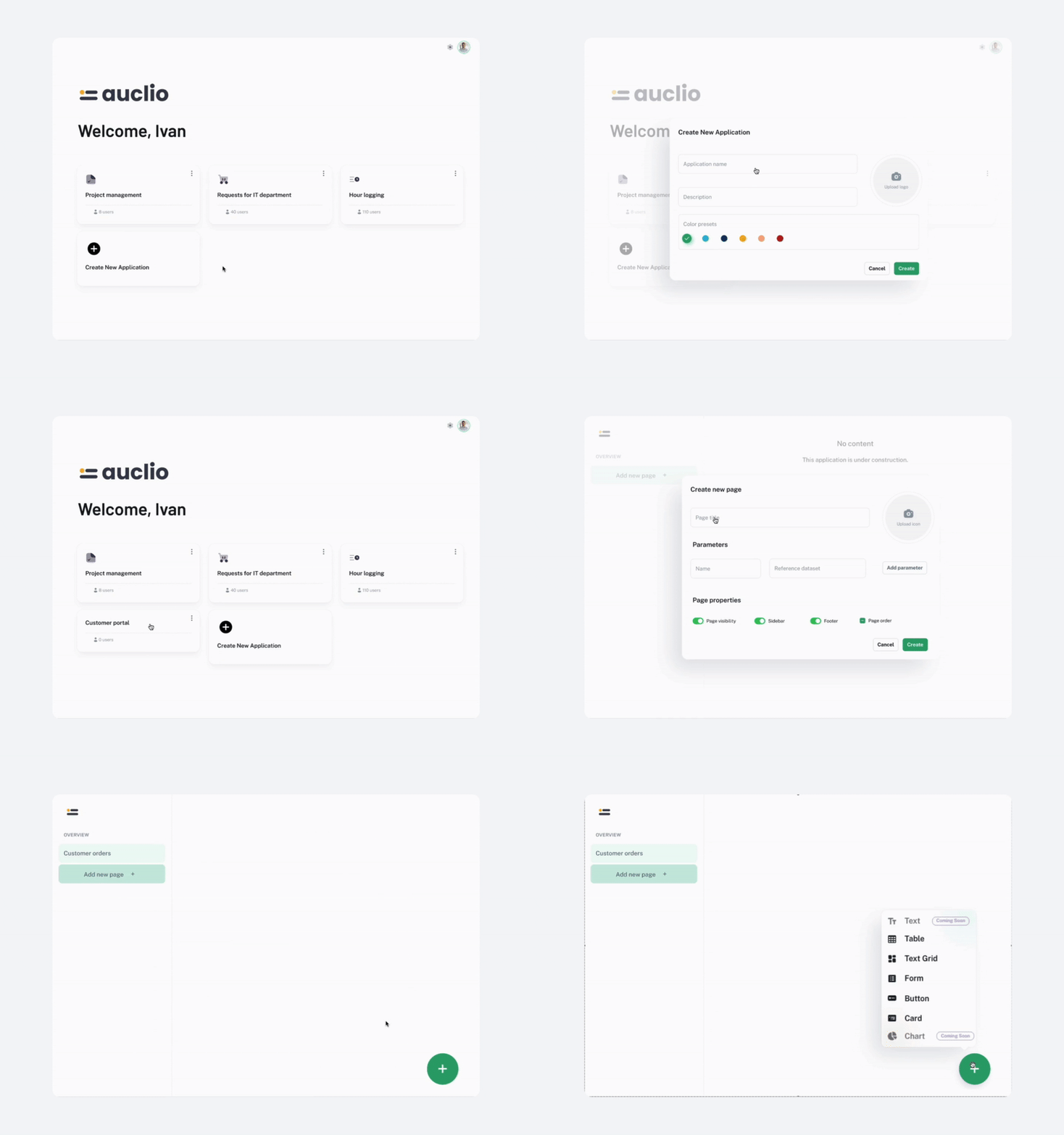
The logic is simple: create an application, add pages, and place widgets to bring functionality to life - all through a visual, no-code editor.

01
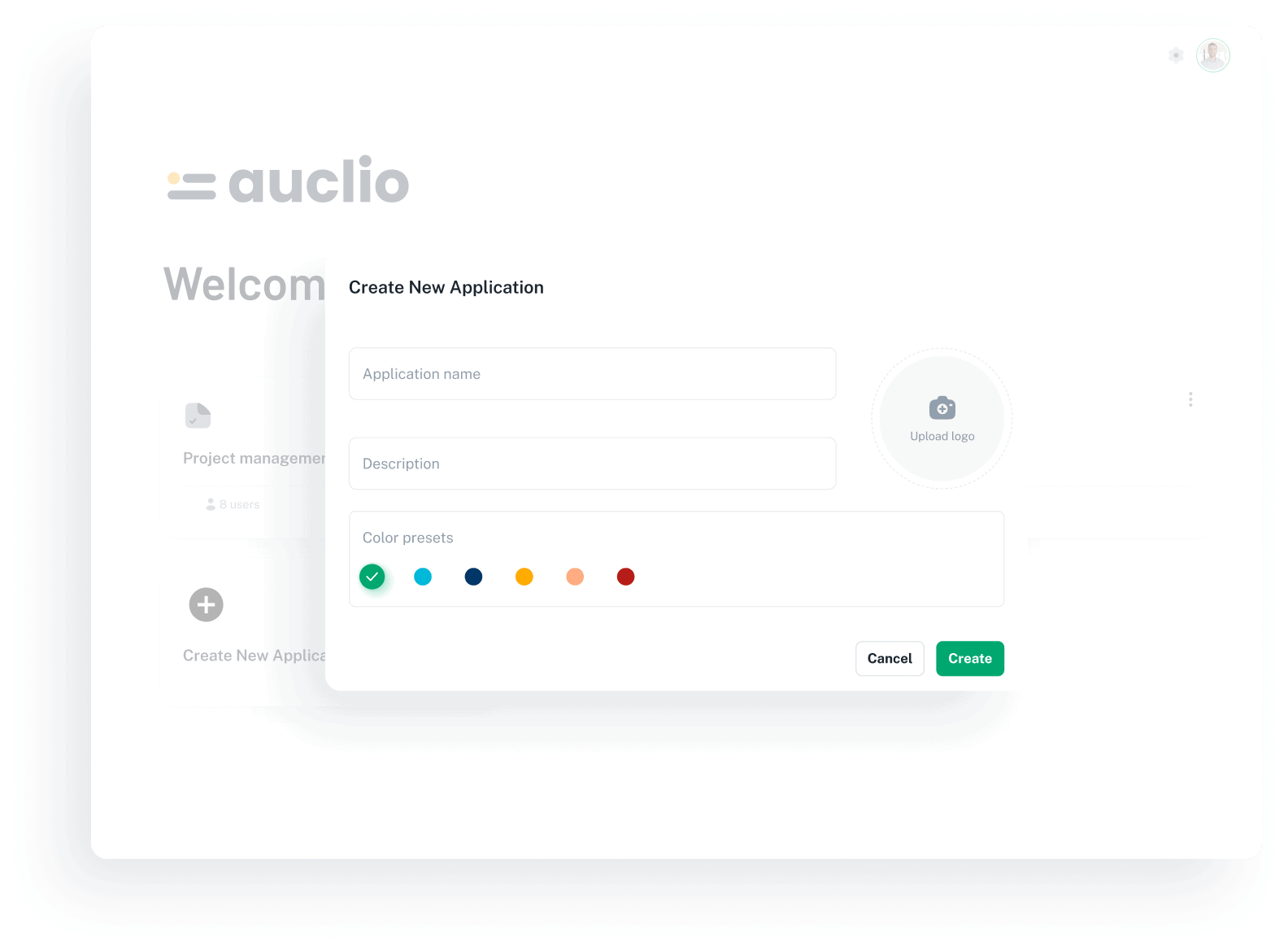
Applications

The container for your business solution.

You can create as many applications as you need, each tailored to a specific process, department, or use case.

Applications can also be fully brandable - customize them with names, icons, and styles that fit your organization.
thumb-content
02
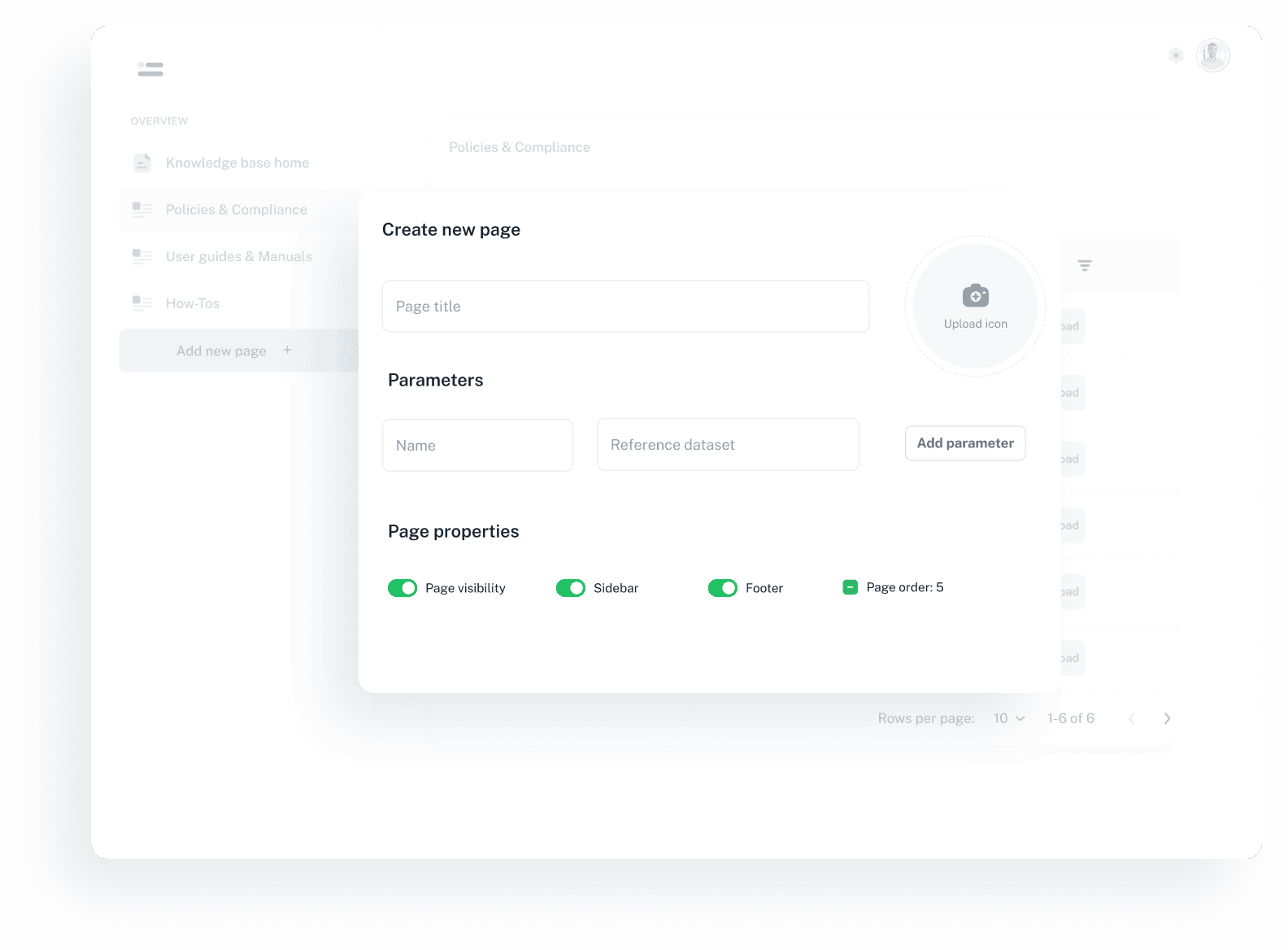
Pages

Each application can have one or more pages to structure information.

Pages help structure complex solutions into clear, navigable parts.

Parent–child hierarchies are supported, making it easy to structure complex solutions.
thumb-content
03
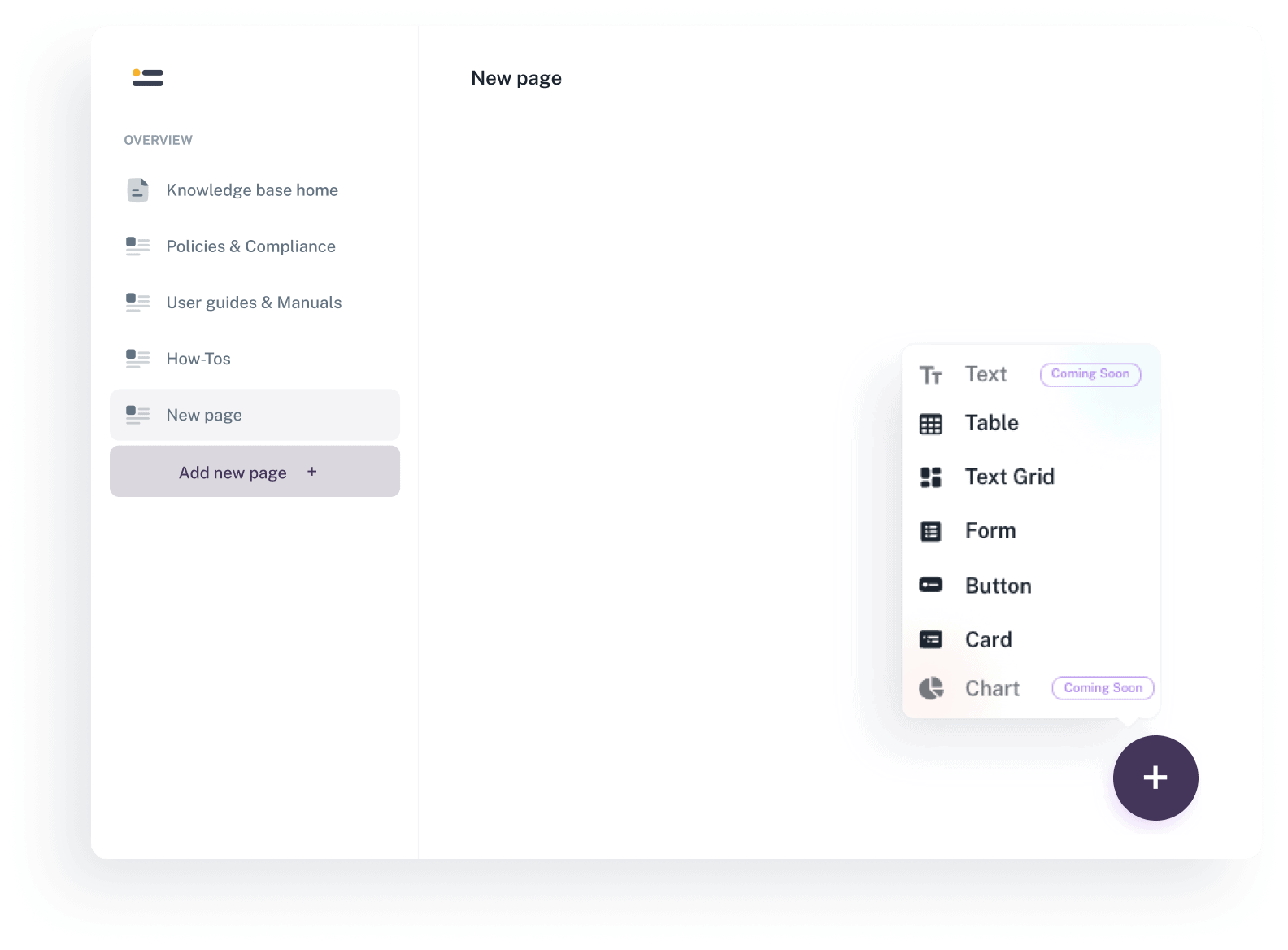
Widgets

The interactive elements placed on pages, such as tables, forms, or buttons.

Widgets can be combined in endless ways to create fully functional, user-friendly interfaces.

They turn static pages into fully interactive applications.
Explore widgets
thumb-content
HOW YOU FUEL AUCLIO WITH INFORMATION

Bring information into Auclio

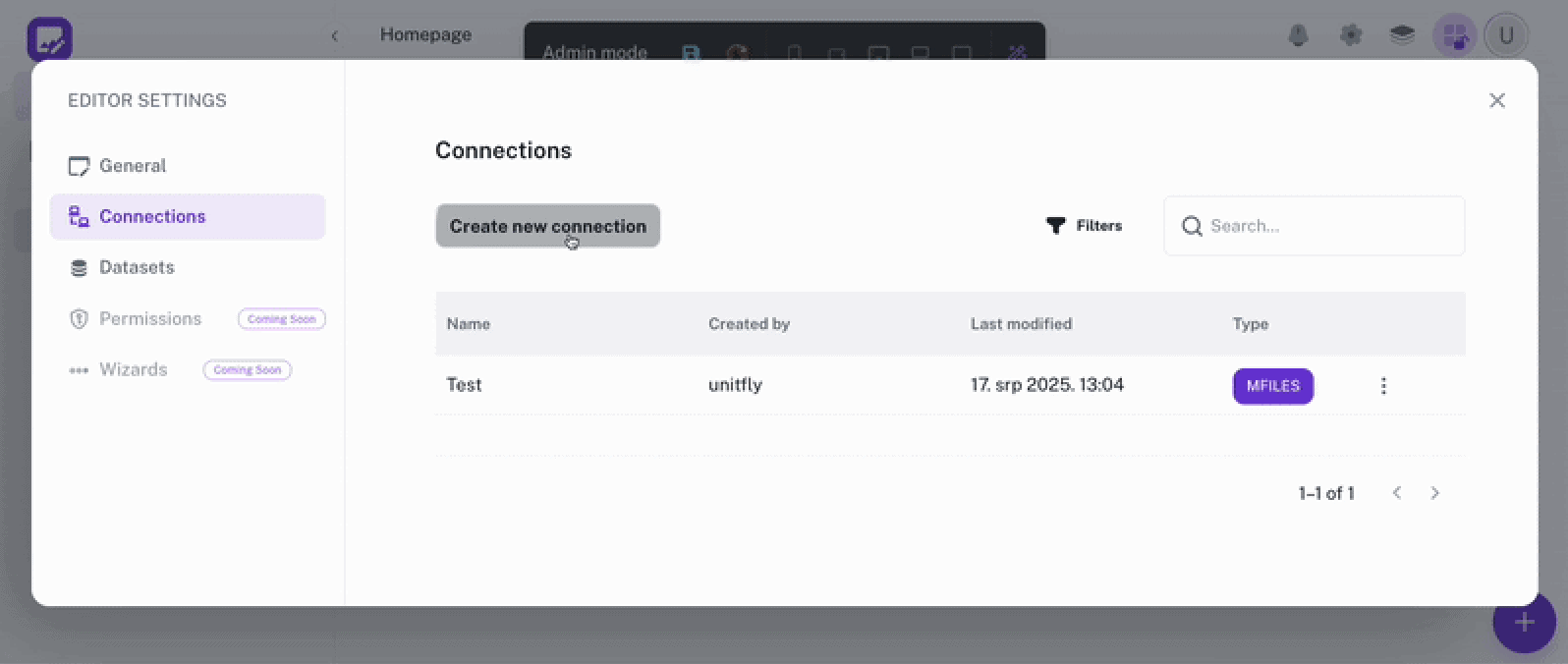
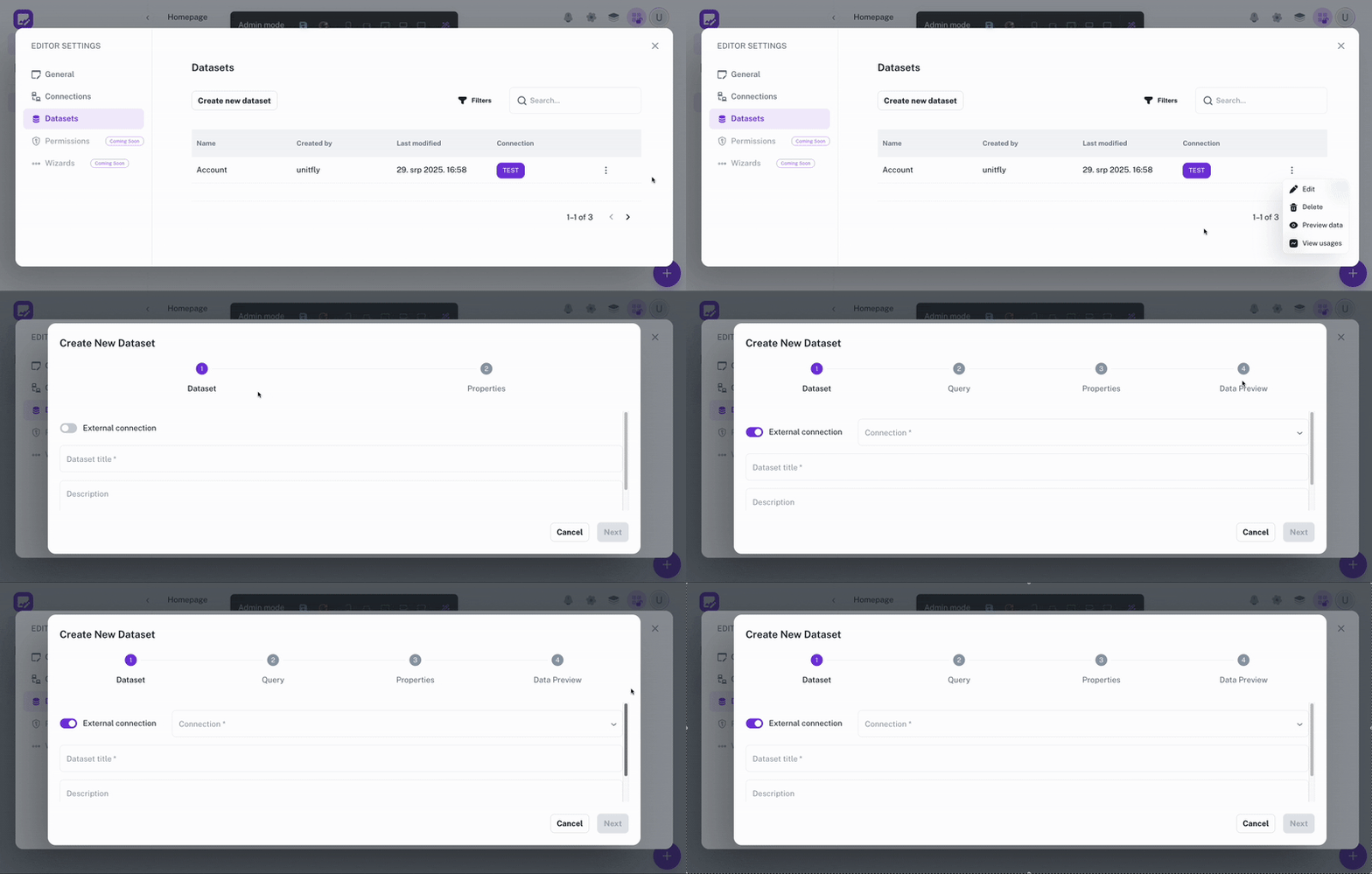
Applications become powerful when they can access and organize information. Auclio makes this easy. Both connections and datasets are are created and managed through a no-code interface, giving you full control over where your data comes from, how it’s organized, and how it flows into your apps - without touching code.

img
Connections

Link external systems, pulling information directly into Auclio.

img
Datasets

Define and structure the data that powers your applications.

LEARN BY DOING

Explore how an app comes together

Watch video

This walkthrough shows how an app is built in Auclio, from creating the application and defining datasets to displaying data through pages and widgets.

It gives a practical view of how the core building blocks come together to shape a tailored business application.

Explore brochure

Get started with Auclio in 6 steps.

Explore the core building blocks of an Auclio app and see how pages, datasets, widgets, links, and external connections come together in a simple setup.

Why it matters

Deliver more, in less time

Building with Auclio isn’t just about simplifying app creation. It’s about delivering more value with less effort.

With Auclio, you spend less time managing complexity and more time building solutions that work.

Move from idea to working application in days, not months.

Update apps as requirements change.

Focus on solving client challenges instead of coding details.

Keep information aligned across systems.

Ready to start building applications with no code?

Get started with Auclio today

Discover the best way to explore Auclio. Try it yourself, schedule a quick guided demo, or reach out to us.