Over the past year, Auclio has continued to evolve with a strong focus on no-code creation, performance and security. Throughout 2025, the platform expanded its no-code capabilities, introduced new widgets, strengthened core performance and delivered key security improvements across the board.
Below is an overview of the most impactful Auclio updates from the past year, along with a preview of what’s coming next.
Admin Mode: Full no-code application creation
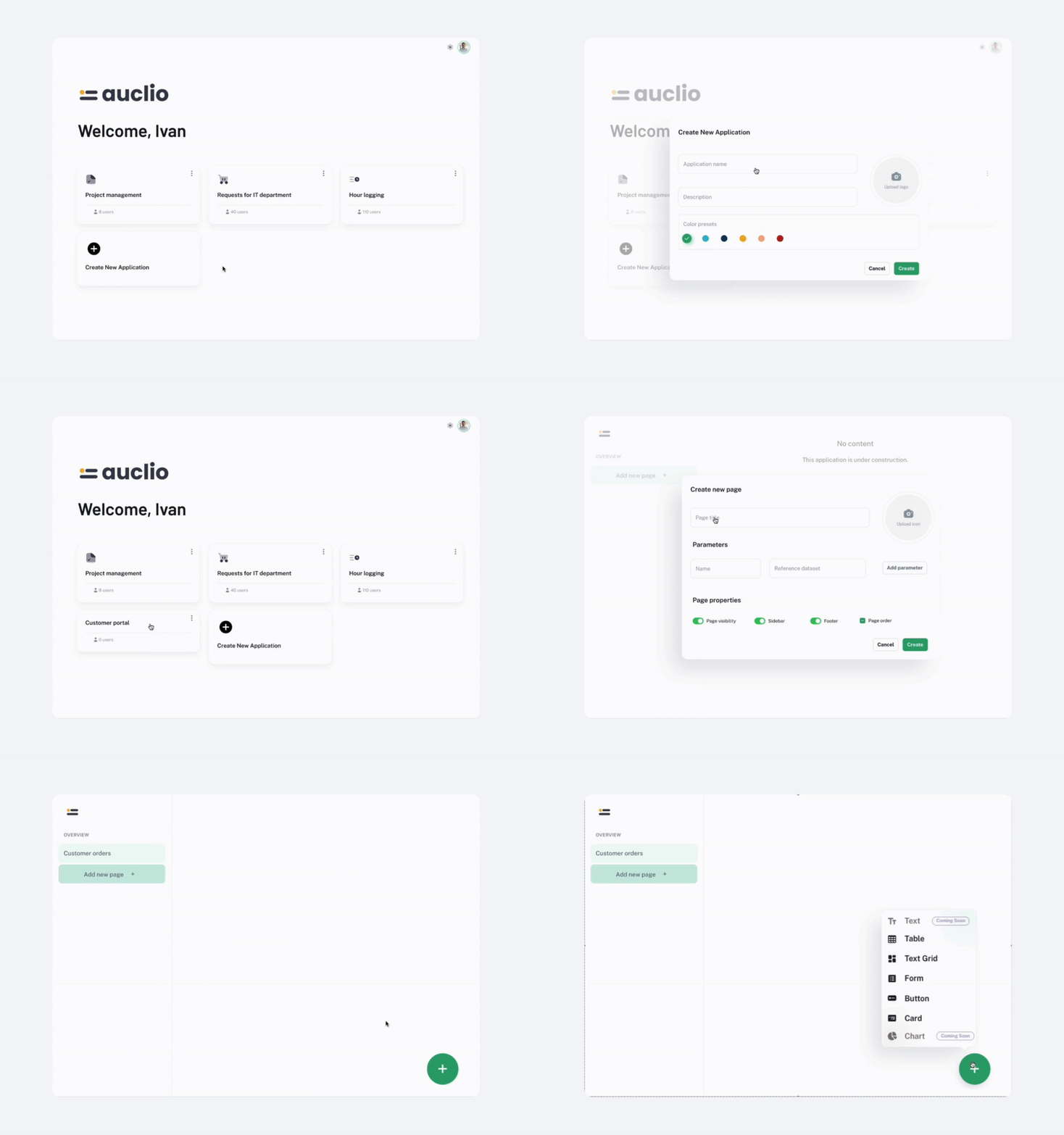
This year, Auclio introduced Admin Mode, providing users with a fully no-code environment for creating business applications. It began with core entity management — applications, pages, datasets, and connections — and later expanded to full widget configuration for tables, text grids, forms, cards, and buttons.
Additional improvements included dataset joins, auto-mapping, safer dataset handling, easier parameter configuration, and granular roles such as Admin per Application. Together, these enhancements significantly accelerate application building while keeping everything visual and intuitive.
Performance & security improvements
Auclio continued to evolve with a focus on speed, reliability, and security. Key performance areas were improved: the core application was optimized for smoother operations, the M-Files Adapter was enhanced for stable and reliable synchronization, and the Table Widget received a significant boost, especially when handling large datasets.
Security remained a top priority. Multitenancy was strengthened, and the M-Files Connector Adapter received security improvements to ensure safe, encrypted data handling. These updates help ensure that Auclio stays fast, reliable, and secure for all users.
New widgets & widget improvements
This year brought several important updates to Auclio’s widget ecosystem.
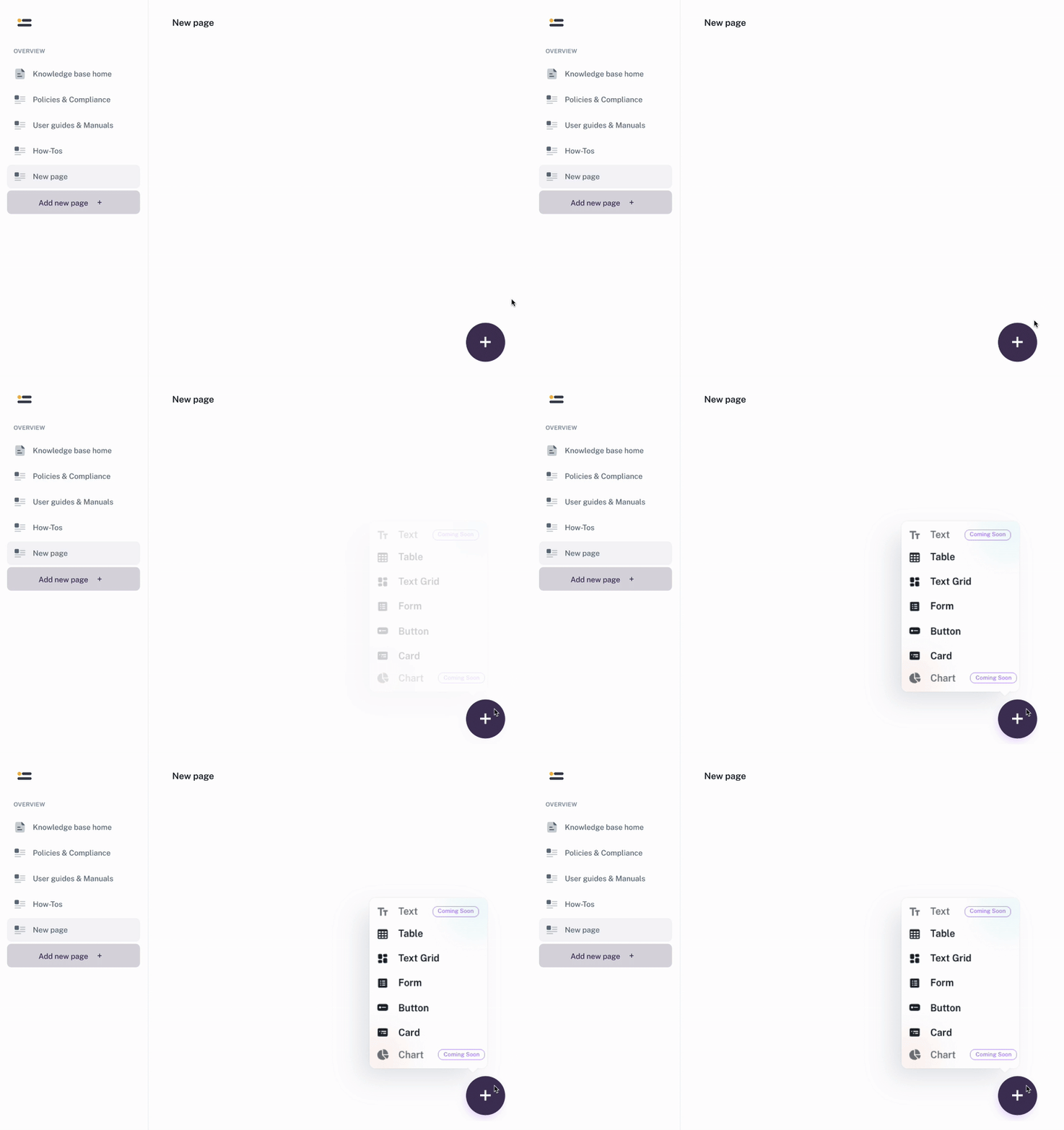
- The Card Widget was introduced to display key metrics and summaries in a clear, visual way.
- The Text Grid Widget was enhanced with object creation and conditional enable/disable control.
- The Table Widget received multiple usability and configuration improvements, including dataset joins, column reordering, auto-mapping, safer dataset protection, improved filters, better grouping behavior, and more administrative control.
Together, these updates make interfaces more interactive, flexible, and efficient to build. Learn more about how to create with Auclio.
Auclio and M-Files integration
For organizations using M-Files, Auclio provides a platform to build business applications independently, without writing code. With Auclio, you can deliver solutions that are configurable, scalable, and tailored to your unique needs.
With Auclio and M-Files, you can:
- Build custom pages tailored to your processes
- Connect multiple vaults and datasets for smarter insights
- Enjoy real-time updates and object-level control
- Deploy mobile-ready solutions with intuitive UX
The result is fast development, easy maintenance, and a smooth user experience. Learn more about Auclio and M-Files integration.
What’s coming next: Document management capabilities
In the upcoming development cycle, Auclio will introduce document management capabilities that allow users to preview, upload, and interact with documents directly inside the platform.
Interested in learning more about how these capabilities could fit your workflows? Contact us to discuss details or request a demo.
Auclio continues to grow with a clear focus on flexibility, performance, and usability. We’re excited about what’s coming next and look forward to seeing what you build with the latest capabilities.
Get started today by requesting a 30-day free trial, or schedule a 20-minute demo with our team to see Auclio in action.