Here’s what’s new in Version 26.3
Dataset Refresh
Users can now refresh datasets on demand — either the full dataset or individual objects — and track progress in real time. Refresh results are stored per object, making it easy to identify and resolve issues.
Inline Creation Across the Platform
Creating new items is now faster and more seamless. Users can create new datasets, objects, new connections, and new pages directly from their respective dropdown selectors — no need to navigate away.
AI Assistant in Table Widget
An AI assistant is now available within the Table widget. Users can ask natural-language questions to configure filtering, sorting, and other table behaviors. The assistant can be enabled per table via the toolbar or sidebar configuration.
Table Widget Improvements
- Dropdown filters now show only available values, making it easier to find relevant options
- Header text wrapping keeps long column headers fully visible
- Auto-submit on new row streamlines data entry by saving rows automatically
- Sidebar tool panels provide quick access to additional table controls
- Column and table property configuration has been improved for a clearer editing experience
- A loading spinner now appears during data fetch in the CRUD modal and during sorting operations
- Column width calculation and column reordering have been fixed
File Management Improvements
File handling across the platform has been significantly improved:
- File replace is now available directly from document uploads — users can swap out files without deleting and re-uploading
- File management in Table and Text Grid widgets has been redesigned for a more consistent experience
- File previews now correctly show the latest version after modifications and display immediately after upload
- Downloading a file while it is syncing no longer results in a corrupted download
- Large file uploads no longer fail with a “Request Entity Too Large” error
- Dropping a file in the “Add row” modal no longer clears previously entered form data
- Table widgets can now be created even when files are disabled on the connected dataset
App Logo Focal Point
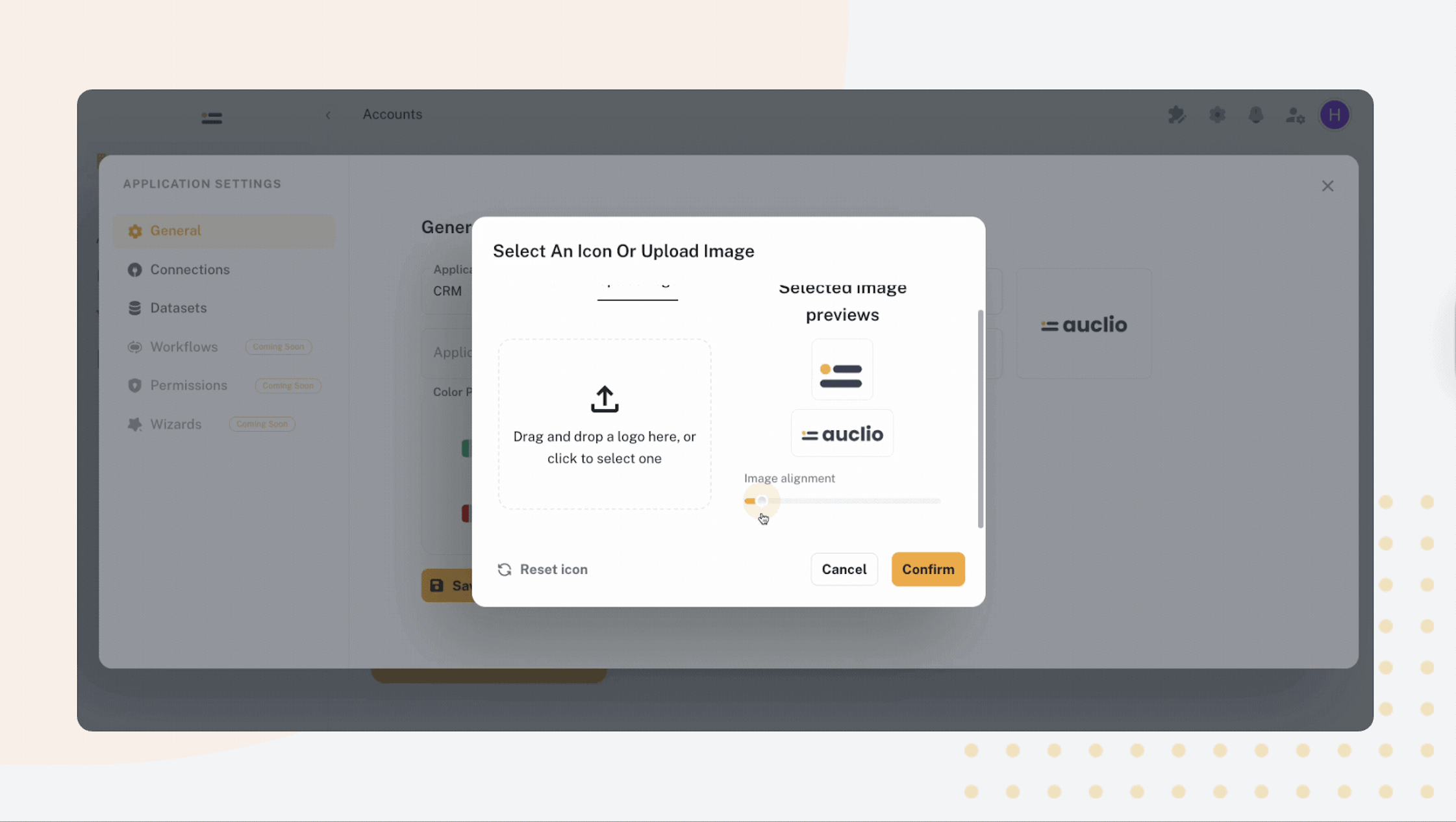
When uploading app logos, users can now set a focal point to control how the image is cropped and displayed across different screen sizes and contexts.
Regional Formatting
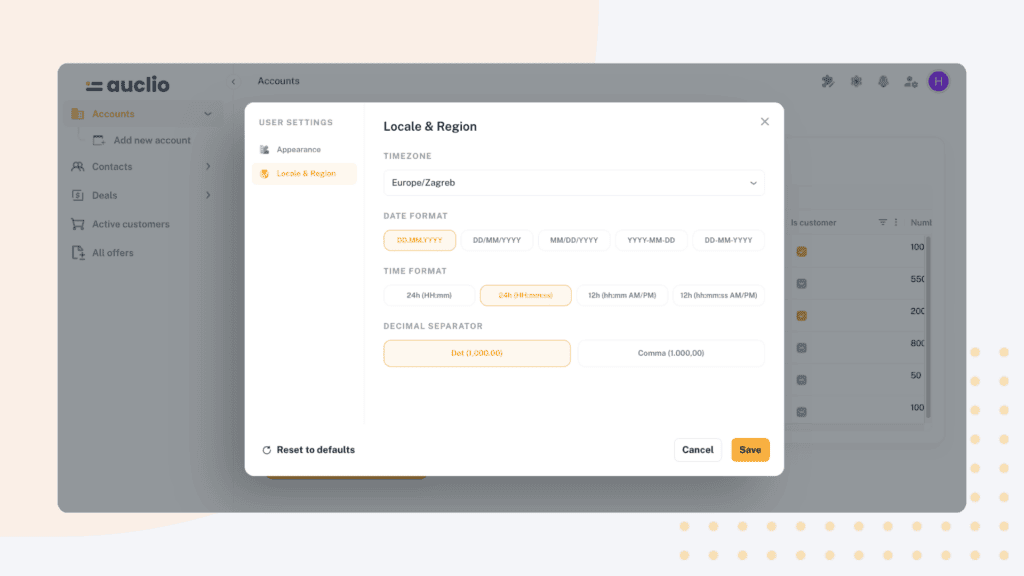
Users can now set regional preferences in their profile settings, including date/time format and number decimal symbol (comma or dot). These settings are applied throughout the application for a localized experience.