INSIDE THE AUCLIO PLATFORM

How to create with Auclio

You can connect systems, gather information and design business applications
- all without writing a single line of code.

PLATFORM OVERVIEW

No-code flexibility for building business applications

Instead of coding, consultants and business users can visually create applications, connect data, and configure user experiences through a simple drag-and-drop interface. The result: faster delivery, easier maintenance and solutions that adapt as your business evolves.

Implementation specialists use our platform to tailor solutions for their clients’ needs without complex coding – delivering faster, simpler and more impactful results.

HOW YOU BUILD THE UI

The building blocks of Auclio

At the heart of Auclio are the components that shape how users interact with your solutions.

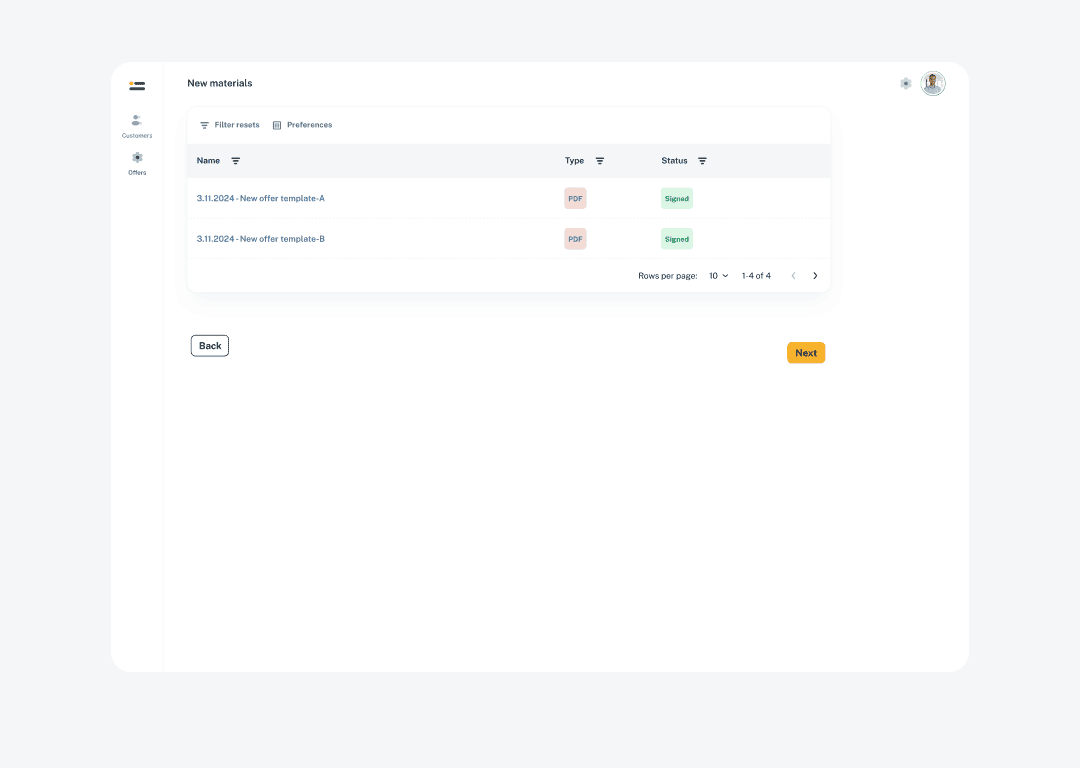
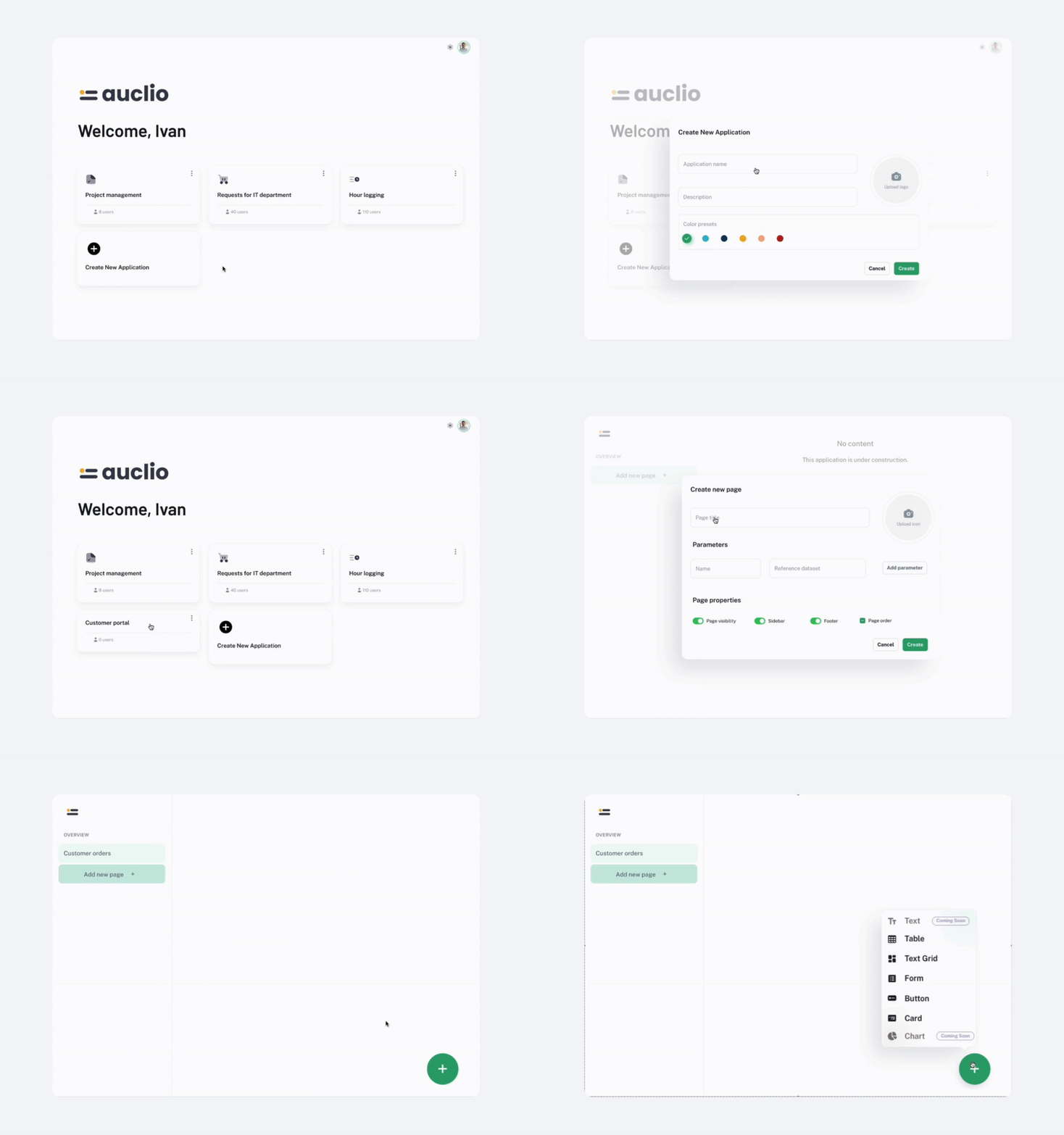
The logic is simple: create an application, add pages, and place widgets to bring functionality to life - all through a visual, no-code editor.

01
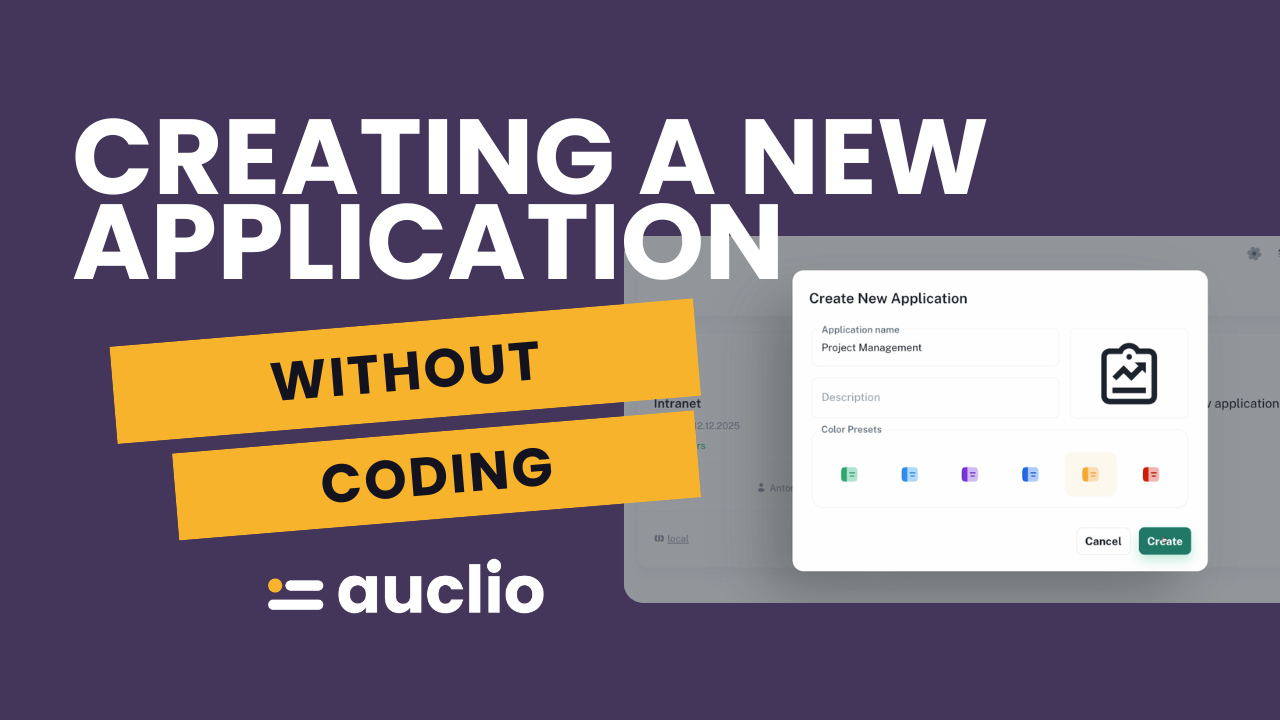
Applications

The container for your business solution.

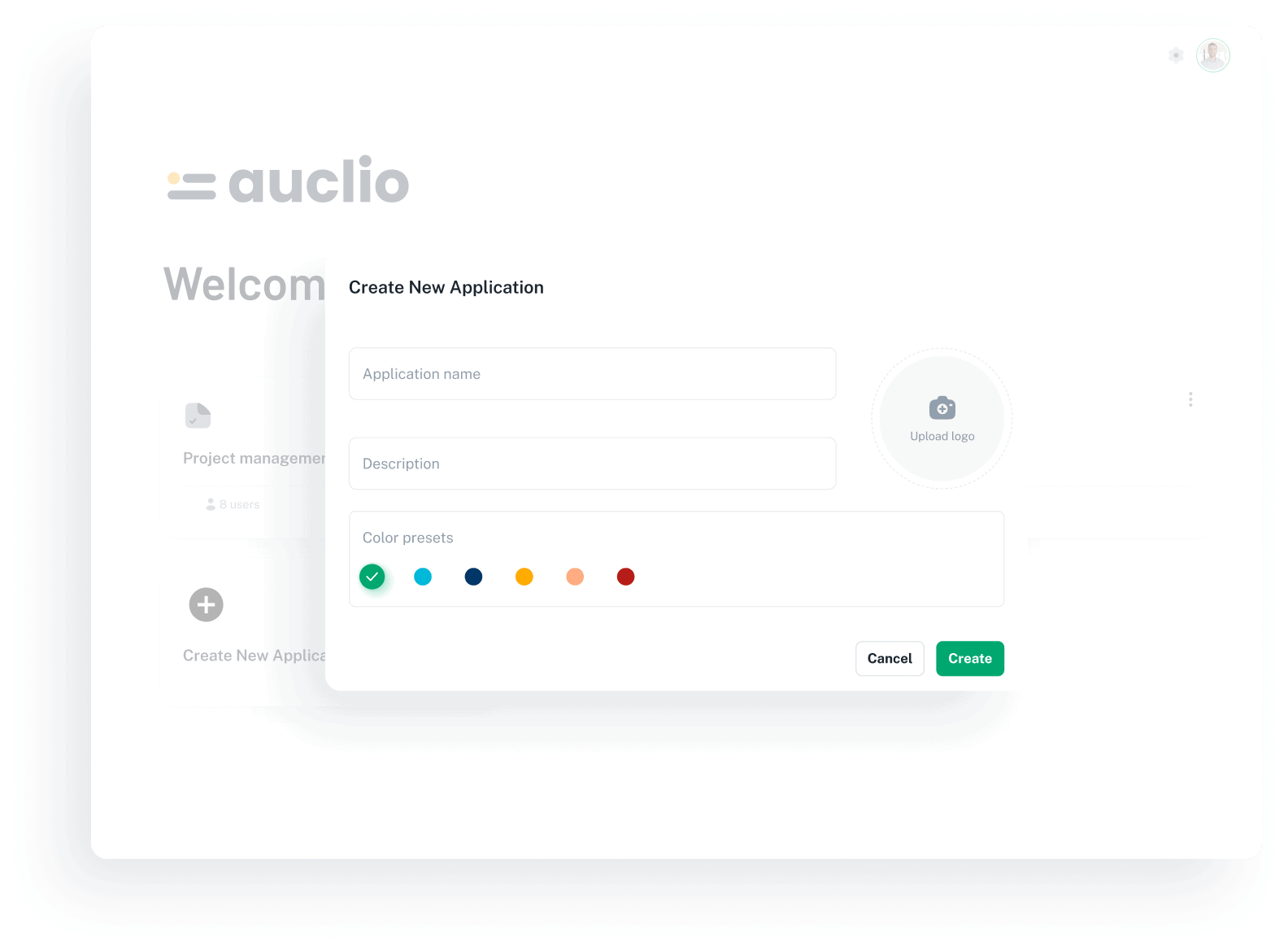
You can create as many applications as you need, each tailored to a specific process, department, or use case.

Applications can also be fully brandable - customize them with names, icons, and styles that fit your organization.
thumb-content
02
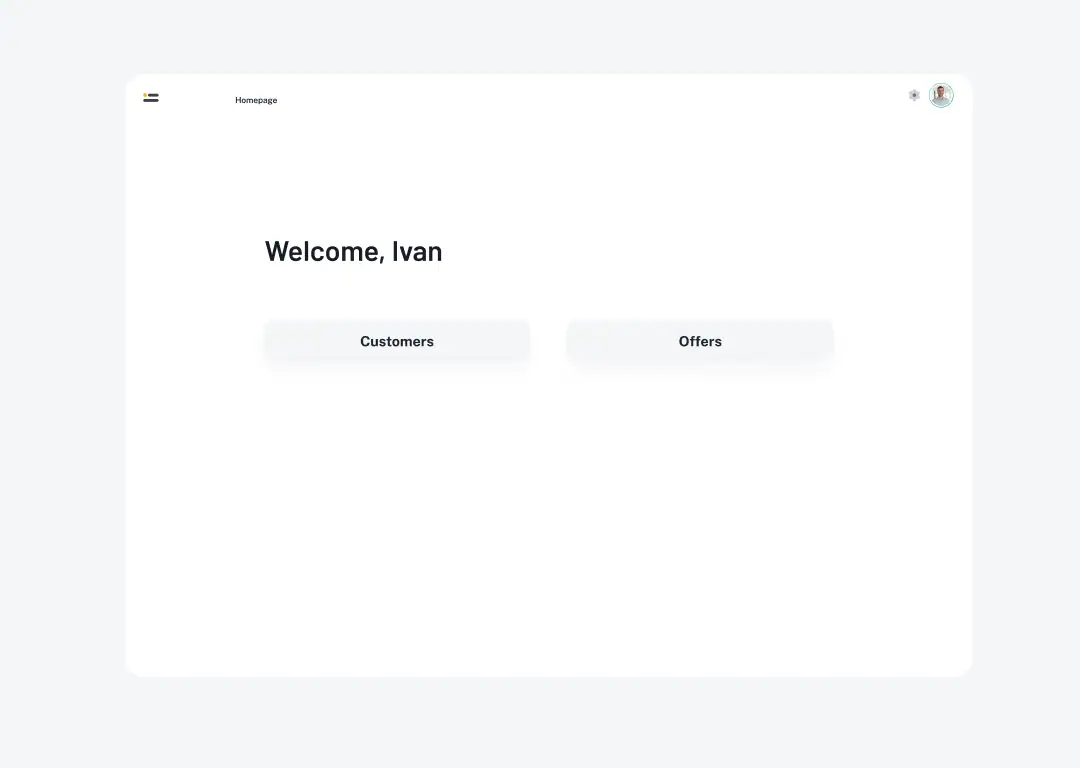
Pages

Each application can have one or more pages to structure information.

Pages help structure complex solutions into clear, navigable parts.

Parent–child hierarchies are supported, making it easy to structure complex solutions.
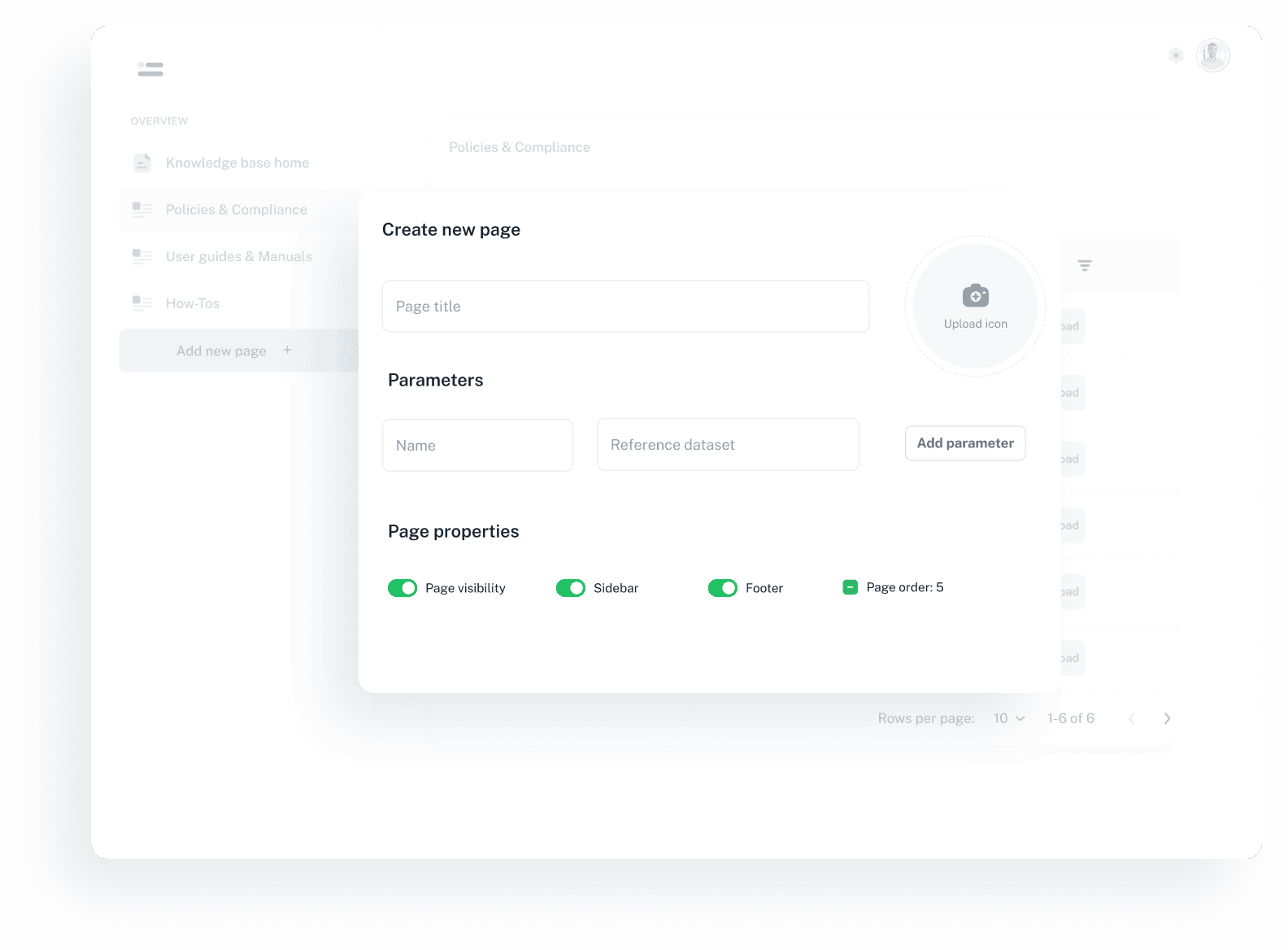
thumb-content
03
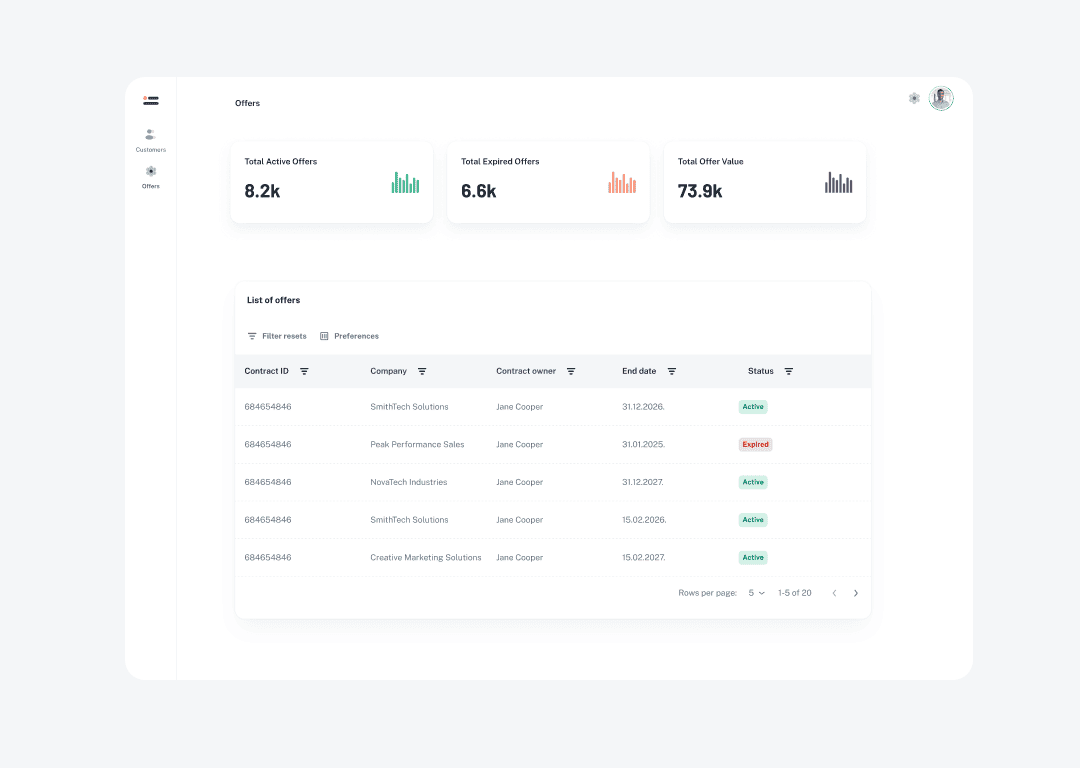
Widgets

The interactive elements placed on pages, such as tables, forms, or buttons.

Widgets can be combined in endless ways to create fully functional, user-friendly interfaces.

They turn static pages into fully interactive applications.
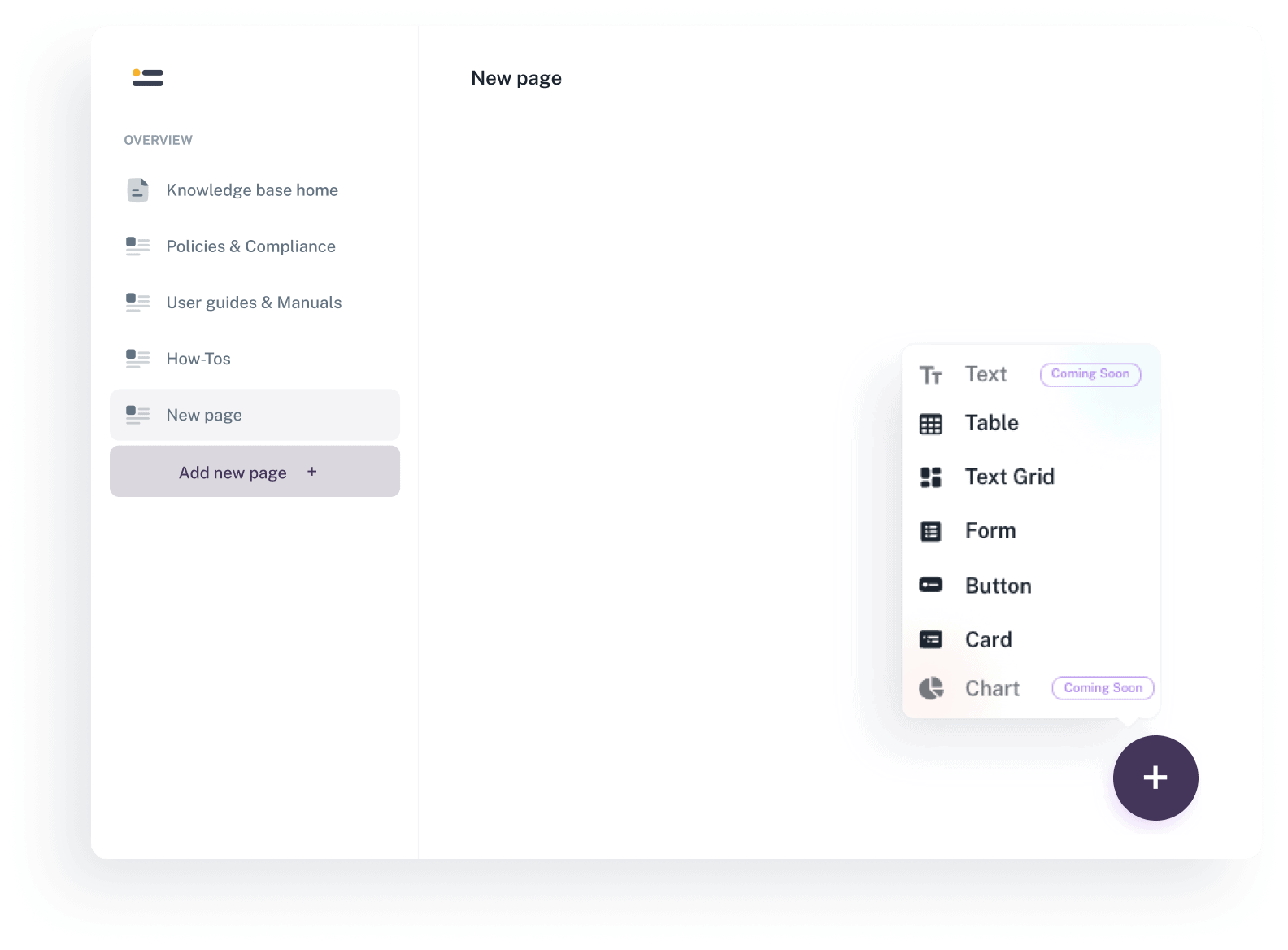
thumb-content
Build

Key widgets

Explore the essential building blocks of Auclio.

img
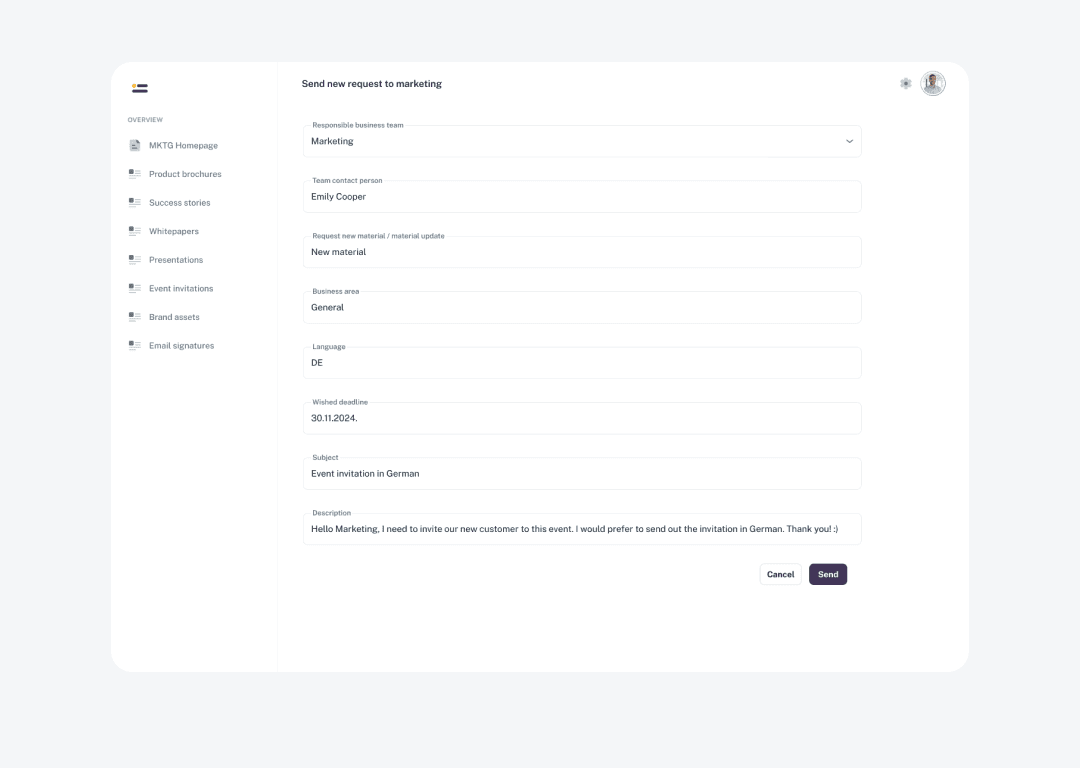
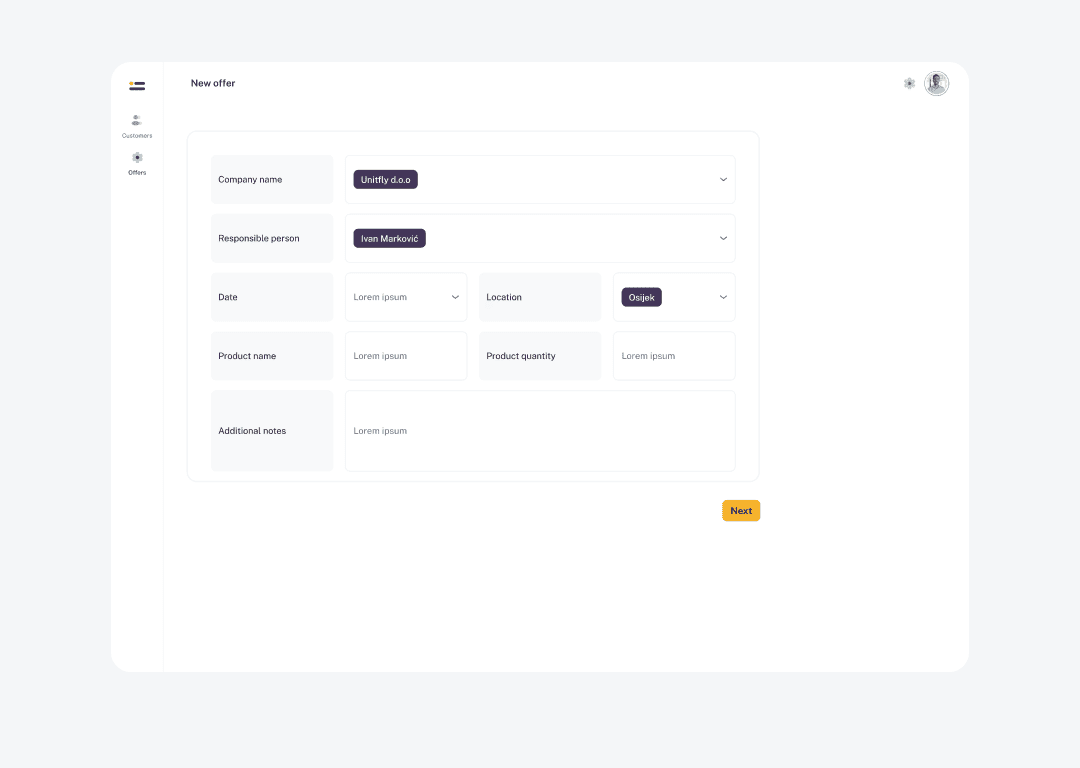
Forms

Create custom forms that can create new objects and submit structured data directly to M-Files.

img
Text Grid

Summarize information from multiple objects on a single page for a clearer overview.

img
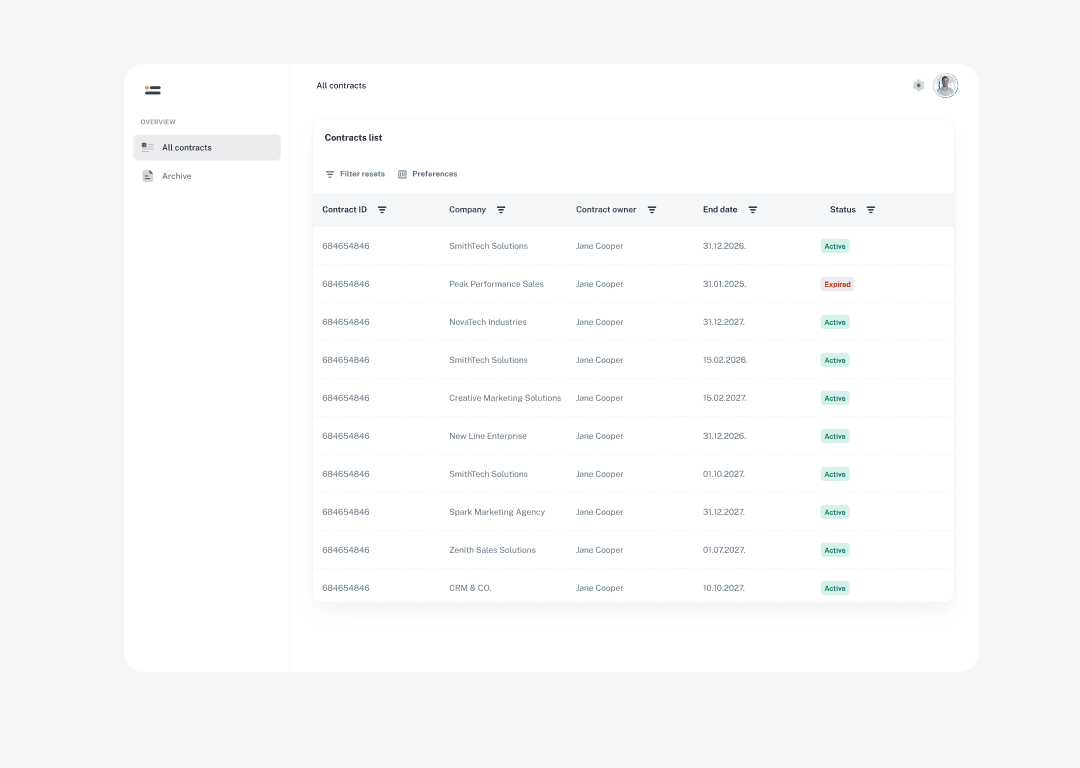
Tables

Display and manage information from multiple M-Files objects in a single table view. Edit, filter, drag, sort or group table elements - and save your preferred table view settings for a personalized experience.

img
Wizards

Guide users through multi-step processes in a structured way. Instead of creating multiple objects one by one, do it in a single, intuitive flow - for example, create tasks, milestones, and link them to projects within just a few guided steps.

img
Buttons

Trigger one or multiple actions with customizable buttons.

img
Card widget

Still writing manual expenses? Our platform breaks down every expense you log down to the millisecond!

HOW YOU FUEL AUCLIO WITH INFORMATION

Bring information into Auclio

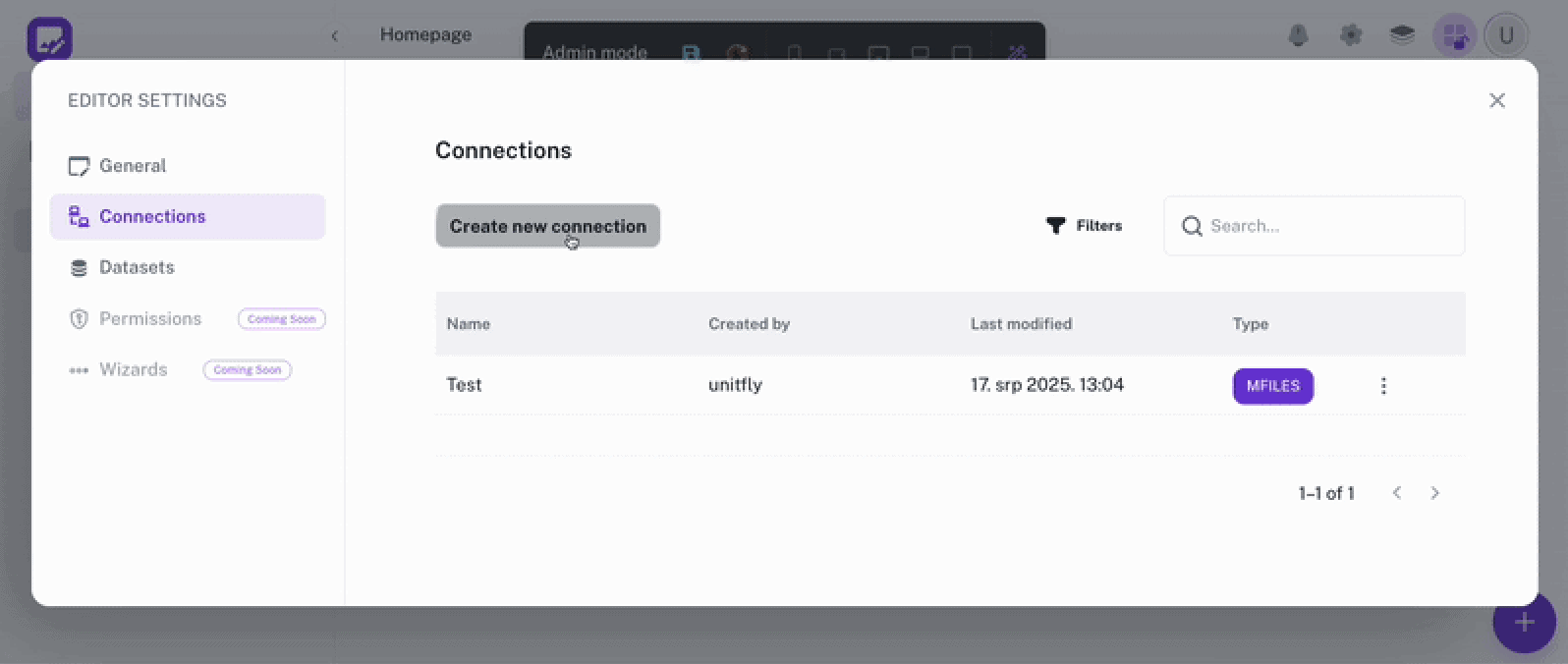
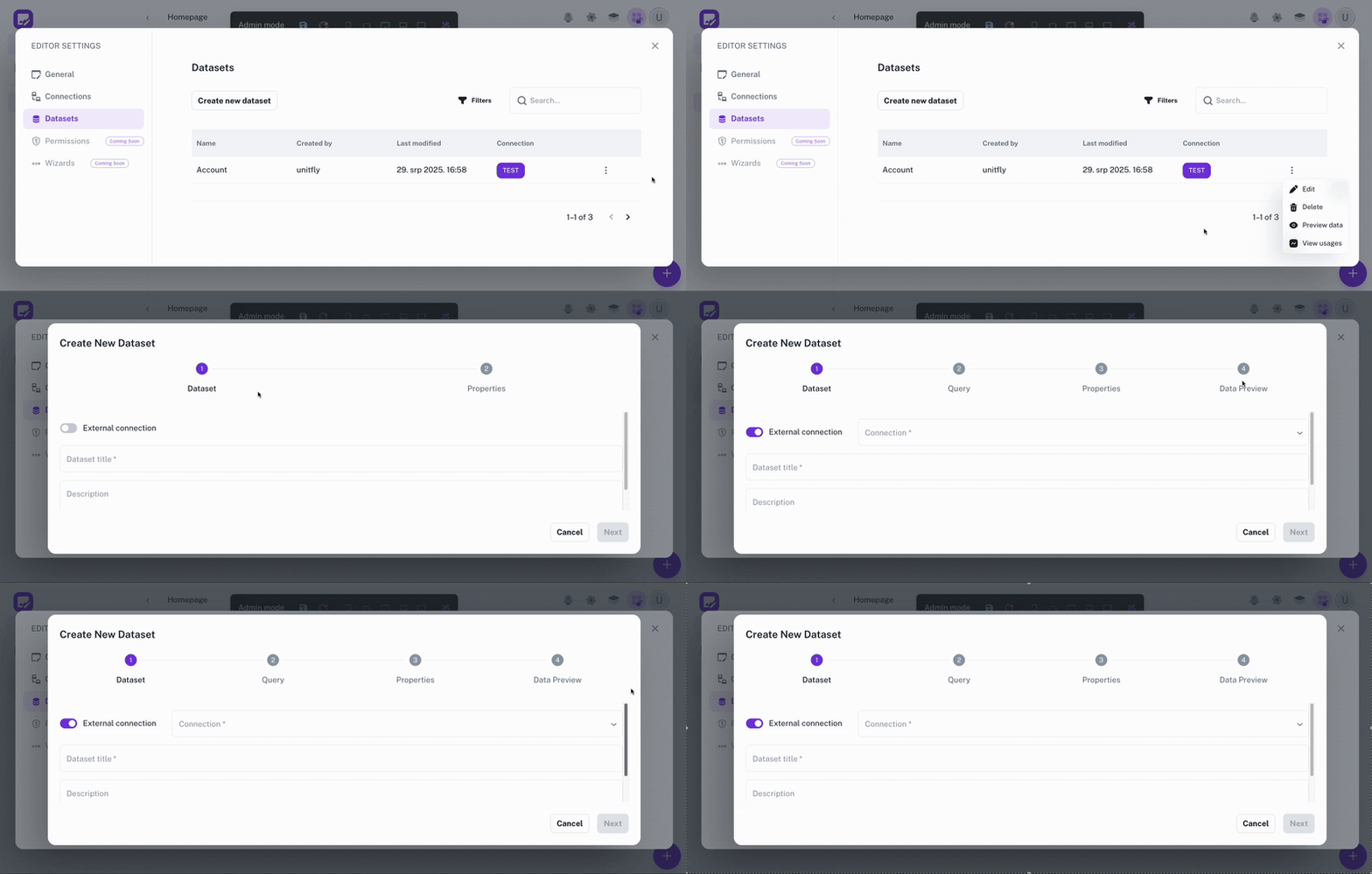
Applications become powerful when they can access and organize information. Auclio makes this easy. Both connections and datasets are are created and managed through a no-code interface, giving you full control over where your data comes from, how it’s organized, and how it flows into your apps - without touching code.

img
Connections

Link external systems, pulling information directly into Auclio.

img
Datasets

Define and structure the data that powers your applications.

Learn more, build more

Auclio Learning Center

Want to dive deeper? Explore detailed guides, examples, and best practices in the Auclio Learning Center.

Why it matters

Deliver more, in less time

Building with Auclio isn’t just about simplifying app creation. It’s about delivering more value with less effort.

With Auclio, you spend less time managing complexity and more time building solutions that work.

Move from idea to working application in days, not months.

Update apps as requirements change.

Focus on solving client challenges instead of coding details.

Keep information aligned across systems.

Ready to start building applications with no code?

Get started with Auclio today

Discover the best way to explore Auclio. Try it yourself, schedule a quick guided demo, or reach out to us.