
Auclio learning center
Welcome to Auclio resources hub.
Follow the Getting started guide, watch product videos, and learn each step of the process.
Build your first application
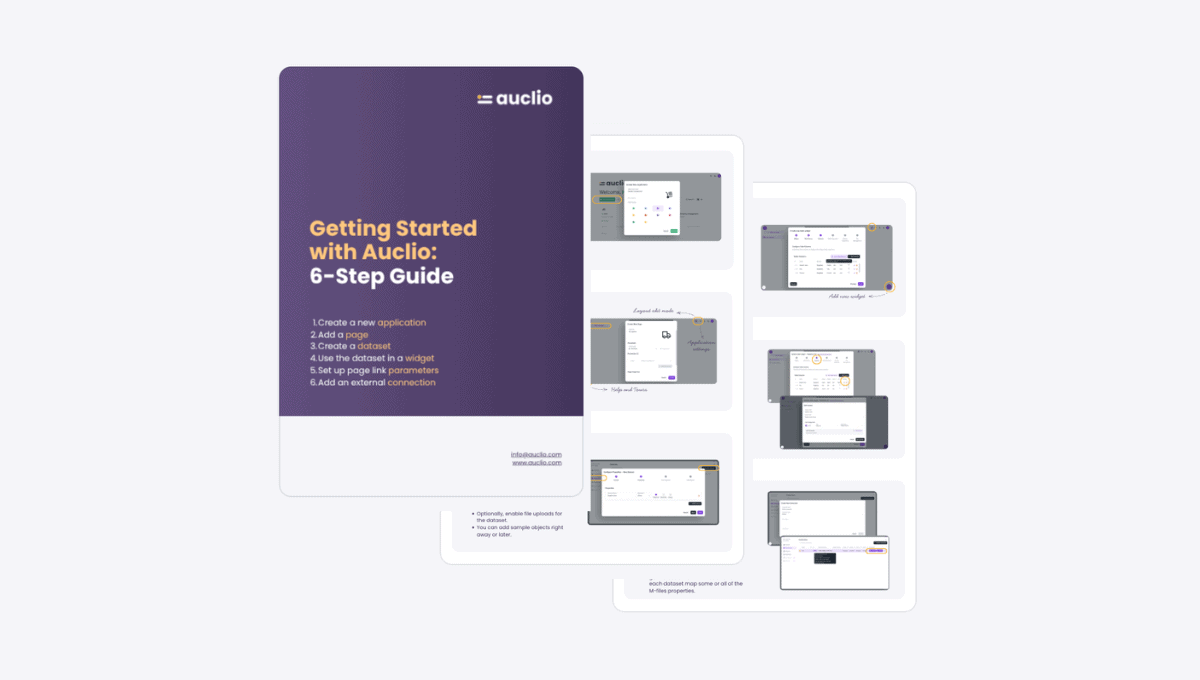
If you’re new to Auclio, begin with the Getting Started Guide. It walks you through the full process of building an application from scratch using a clear step-by-step approach.
You’ll learn how the platform works through its core structure:
Application → Page → Dataset → Widget → Parameter → Connection
This gives you a complete understanding of how an Auclio application is built from idea to working solution.
See how it works
Before going step by step, it’s helpful to see the full picture. These videos show how Auclio applications are built and how users interact with them in real scenarios.
See how it works
Before going step by step, it’s helpful to see the full picture. These videos show how Auclio applications are built and how users interact with them in real scenarios.
Auclio documentation
Once you’ve completed the basics, explore the full documentation for more detailed explanations and advanced use cases.
Product updates
Auclio is continuously evolving, with new features and improvements added regularly.
Get support
Reach out to the team for support or use-case guidance
