
Example app built with Auclio no-code platform
Project management app
Keep project information, tasks, and documents organized in one place.
Replace scattered spreadsheets, emails, and status updates with a simple application that helps teams track projects, collaborate, and stay aligned.
THE PROBLEM
Project information is often scattered across multiple tools
Many teams still manage projects using:
Email communication
Discussions, decisions, and updates are spread across long email threads.
Excel files
Tasks, timelines, and updates are manually tracked in spreadsheets that quickly become outdated.
Shared folders or lists
Project documents are stored in shared locations without clear structure or context.

As projects grow in complexity, these methods make it difficult to maintain visibility and coordination.
Common challenges include:
Example app built with Auclio
Project management app
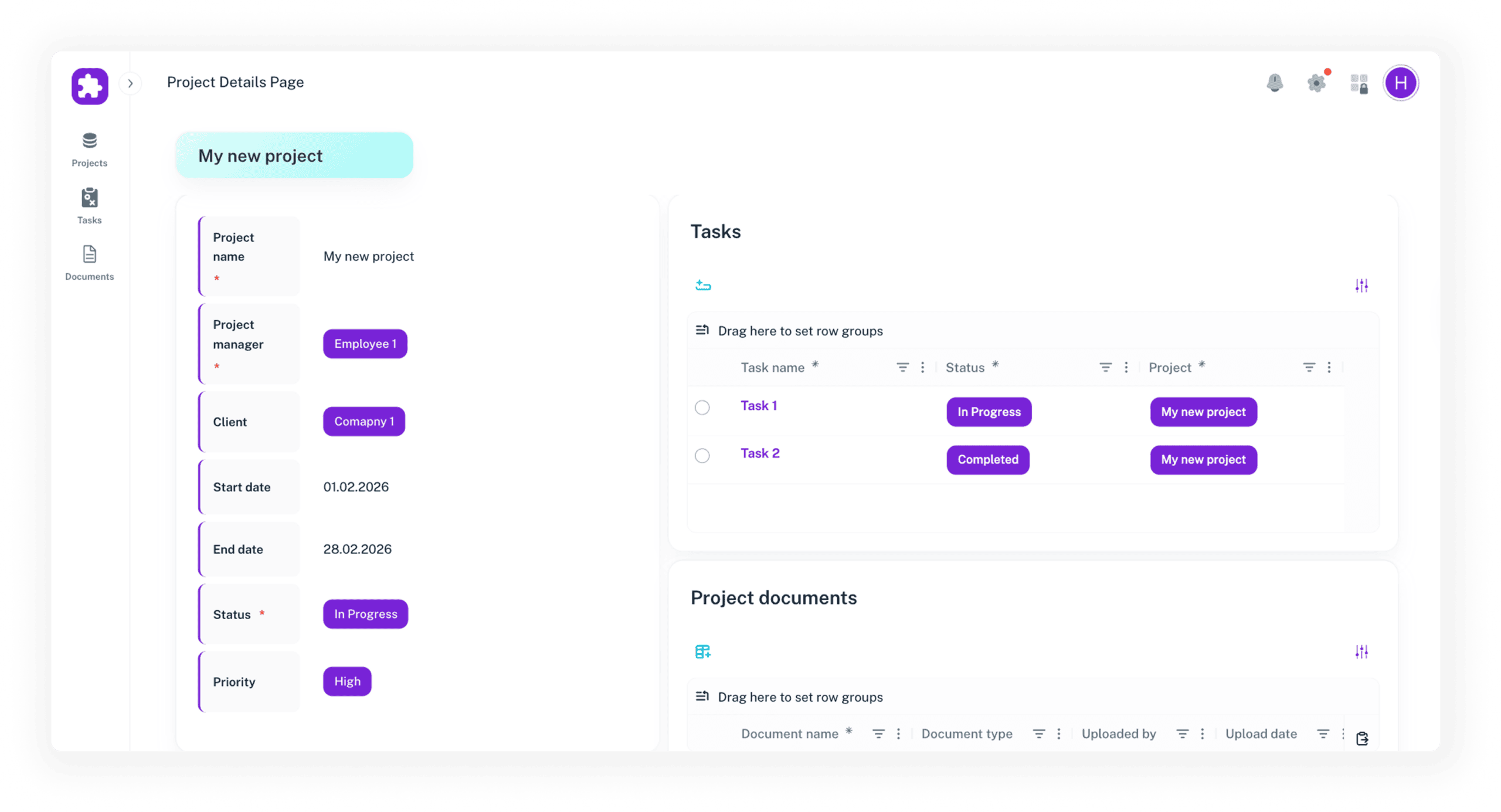
Here is an example of a project management application built with Auclio.
This application helps teams track projects, tasks, and related information in a structured and transparent way.
Register projects through a structured form and store key project information in one place.
Assign role-based permissions so team members only see the projects, tasks, or information relevant to their responsibilities.
Use dashboards and views to quickly see project progress, deadlines, and outstanding tasks.
The intuitive interface allows project teams to quickly adopt the application and start managing their projects without extensive training.
Customization options
Adapt the application to your project workflows
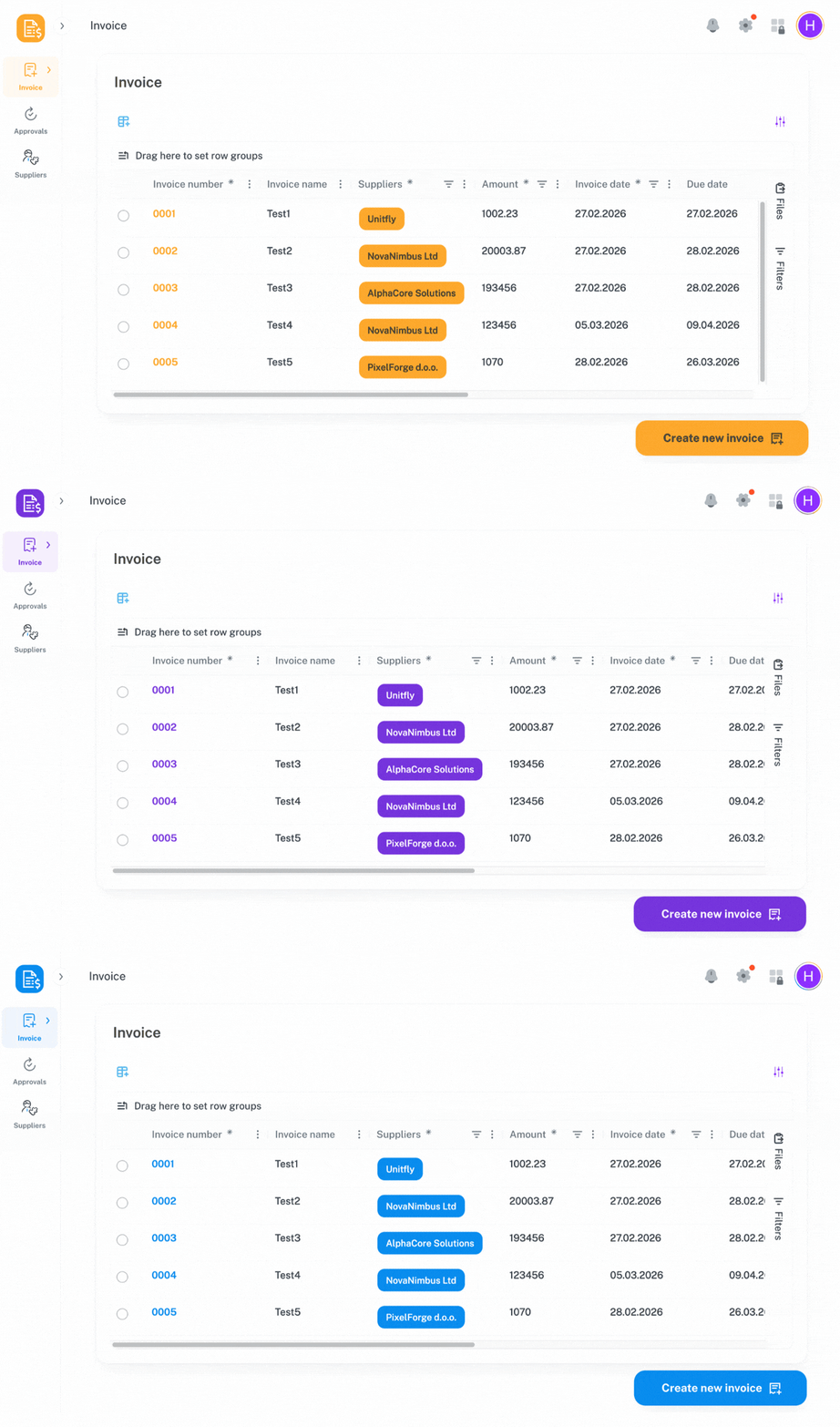
Every organization manages projects differently. With Auclio, project management applications can be adapted to match your team’s processes using a visual builder, without writing code.
GET STARTED WITH AUCLIO
Build your own project management app
Explore the platform on your own with a free trial, or book a 20-minute demo with one of our experts to see how it can work for your team.
Other apps built with Auclio
